iOS 27 is Here: Without AI to 'Wow' the Crowd, Apple Starts Emphasizing System Smoothness
 06/09 2026
 478
478
No Big Bang, But Maybe More Usable.
At 1 AM Beijing Time on June 9, Apple's WWDC 2026 kicked off.
However, after watching the entire event, Lei Technology felt that this year's WWDC was hard to get excited about. There were no truly groundbreaking features, no eye-catching new designs, and most updates were limited to system details, interface tweaks, and experience optimizations. Rather than a future-facing system launch, it felt more like routine maintenance after last year's major overhaul.
Last year, Apple unified its system version naming under a year-based logic, with iOS 26, iPadOS 26, and macOS 26 all adopting a liquid glass design. Regardless of external opinions, at least that WWDC showed Apple's determination to reorganize its system's visual language.
But this year, the presence of iOS 27, iPadOS 27, and macOS 27 felt noticeably weaker. iOS 27 focused on smoothness, teen safety, and interface details, macOS 27 addressed readability issues with liquid glass on desktops, and iPadOS 27 had little new to speak of.
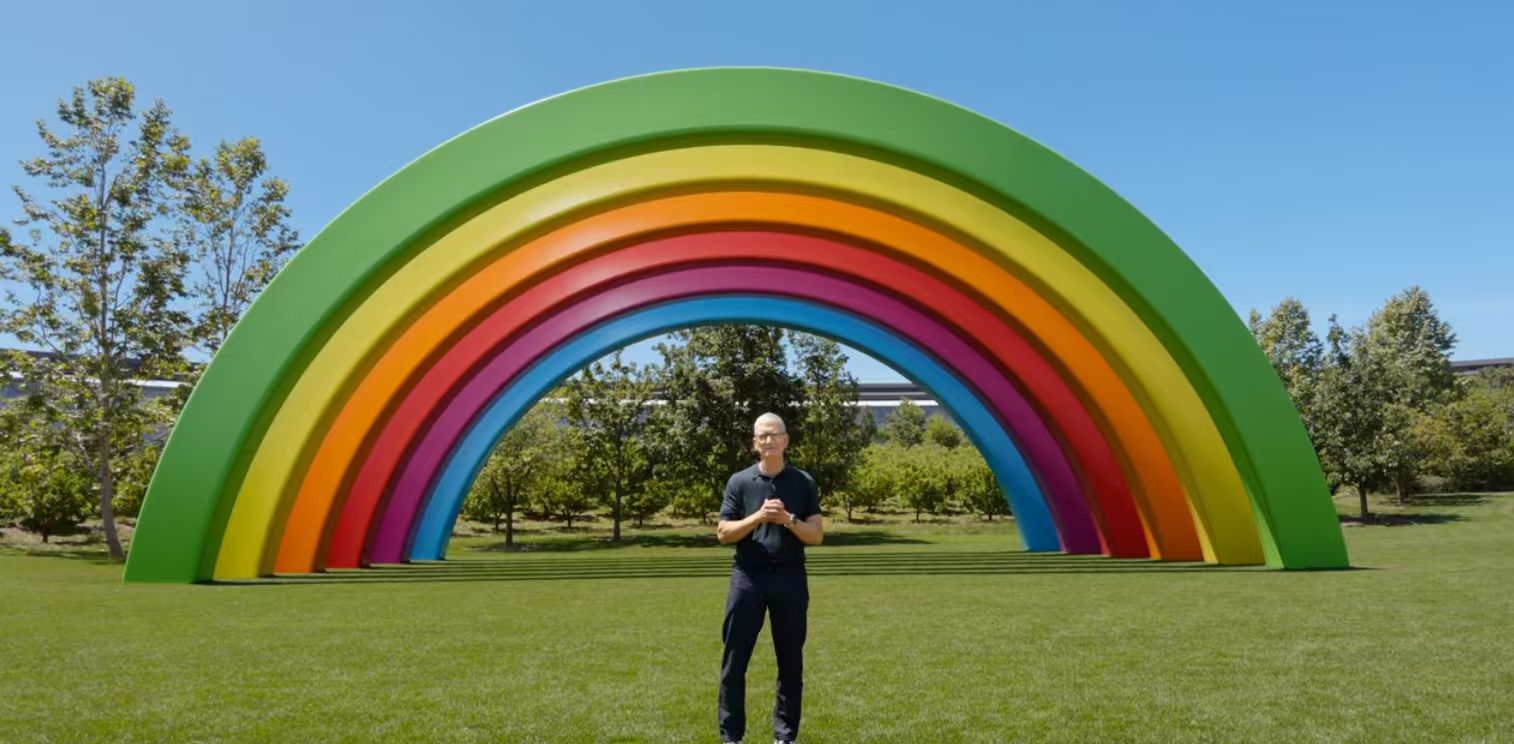
(Image source: Apple official)
So, in Lei Technology's view, the keyword for WWDC 2026 isn't 'amazing' or even 'catching up'—it's more like a by-the-book system update. It did solve some issues left over from last year, but it's hard to ignore the fact: Apple's imagination for system updates is becoming increasingly limited.
Consistent with online leaks, iOS 27 didn't make bold design or appearance changes like iOS 26 did. It retained the divisive liquid glass design, focusing instead on system experience, stability, and detail enhancements.
Let's start with the small changes. While keeping the liquid glass design, iOS 27 gives users options: the ability to customize the transparency of the liquid glass effect, even reverting to a pure white background if desired. Additionally, the default icons now uniformly adopt the new liquid glass style for a more cohesive look.
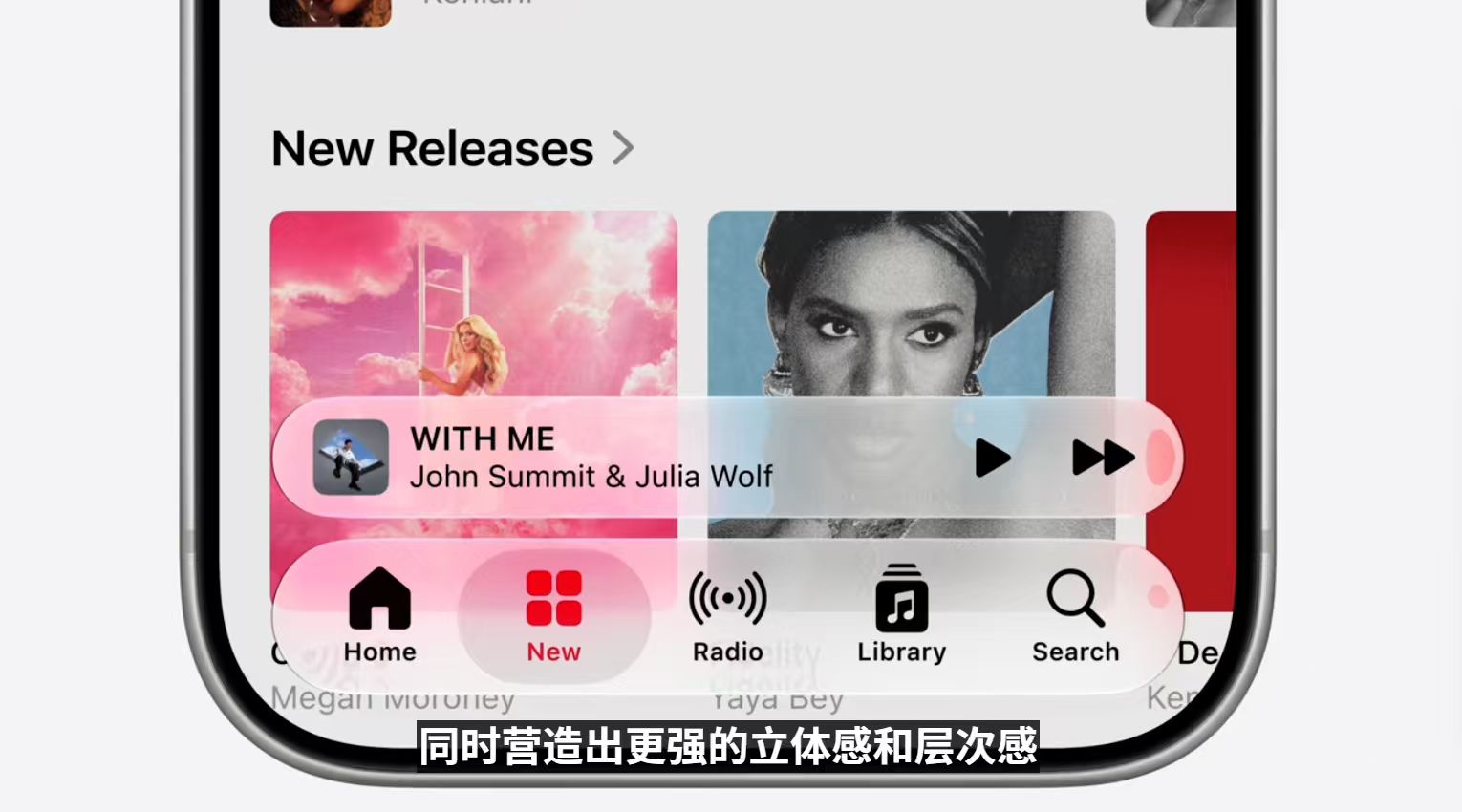
(Image source: Apple official)
The Dynamic Island's display has also evolved from a 'black blob' to a gradient glass style that better matches the system theme.
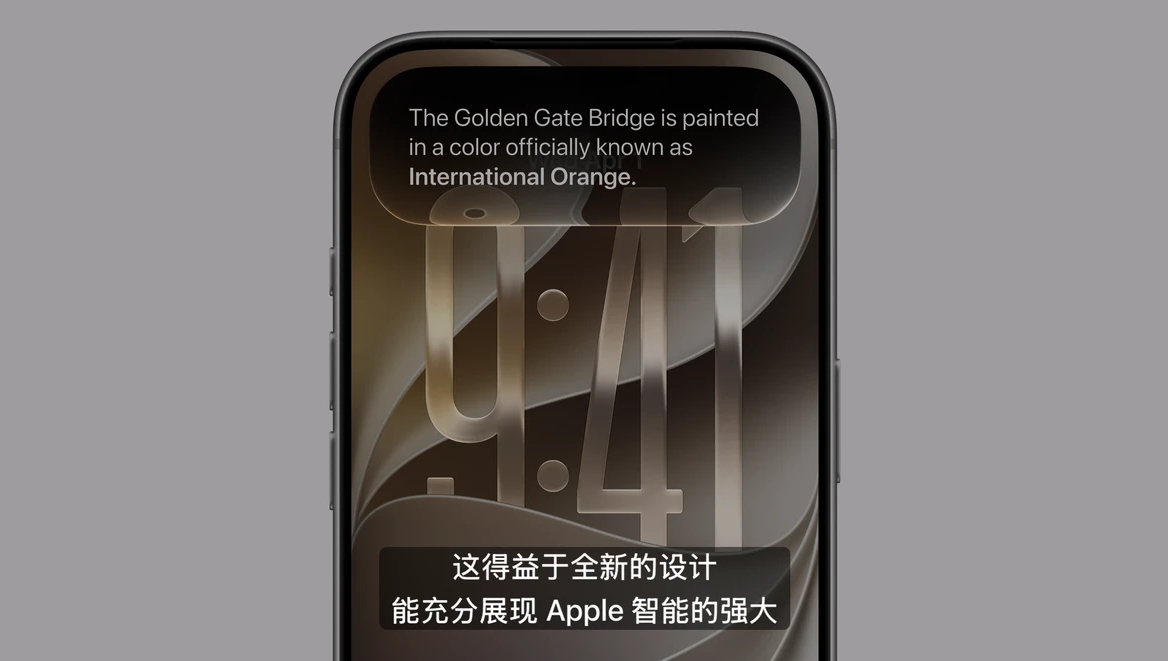
(Image source: Apple official)
However, what users truly care about isn't whether icons are more transparent or buttons have more depth—they care about overall system smoothness, power efficiency, and ease of use.
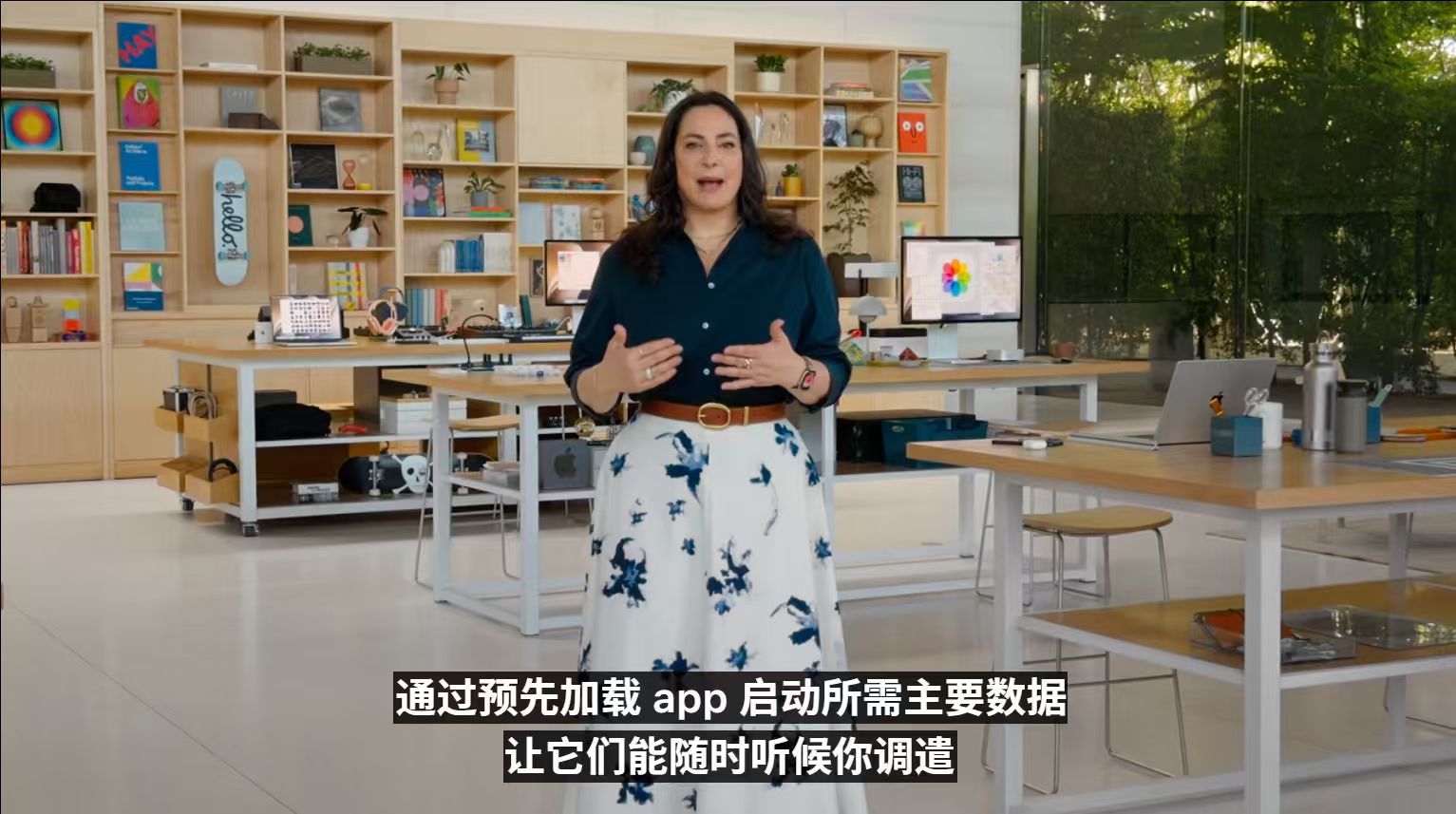
Apple addressed this with iOS 27's new CPU scheduling mechanism, which uses a new indexing system to preload user actions. Apple claims that iPhones running the new system see a 30% faster App launch speed, 80% faster AirDrop transfers, and 5x faster file browsing—covering almost all high-frequency daily operations.
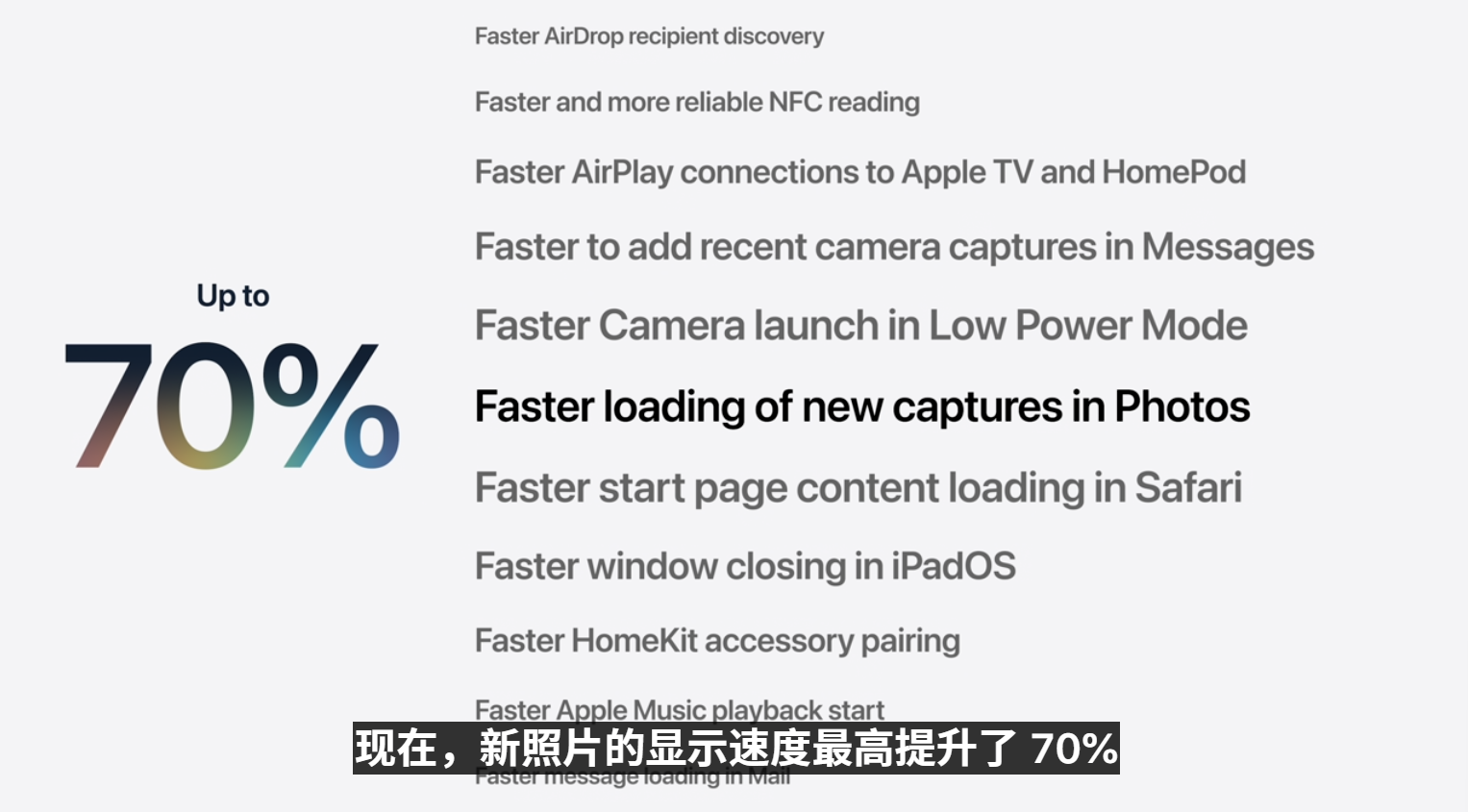
(Image source: Apple official)
In short, iOS 27 will significantly boost your iPhone's responsiveness and launch speeds, making it feel smoother. While I personally think Apple might be exaggerating a bit, considering their system mastery, a noticeable smoothness improvement is likely.
(Image source: Apple official)
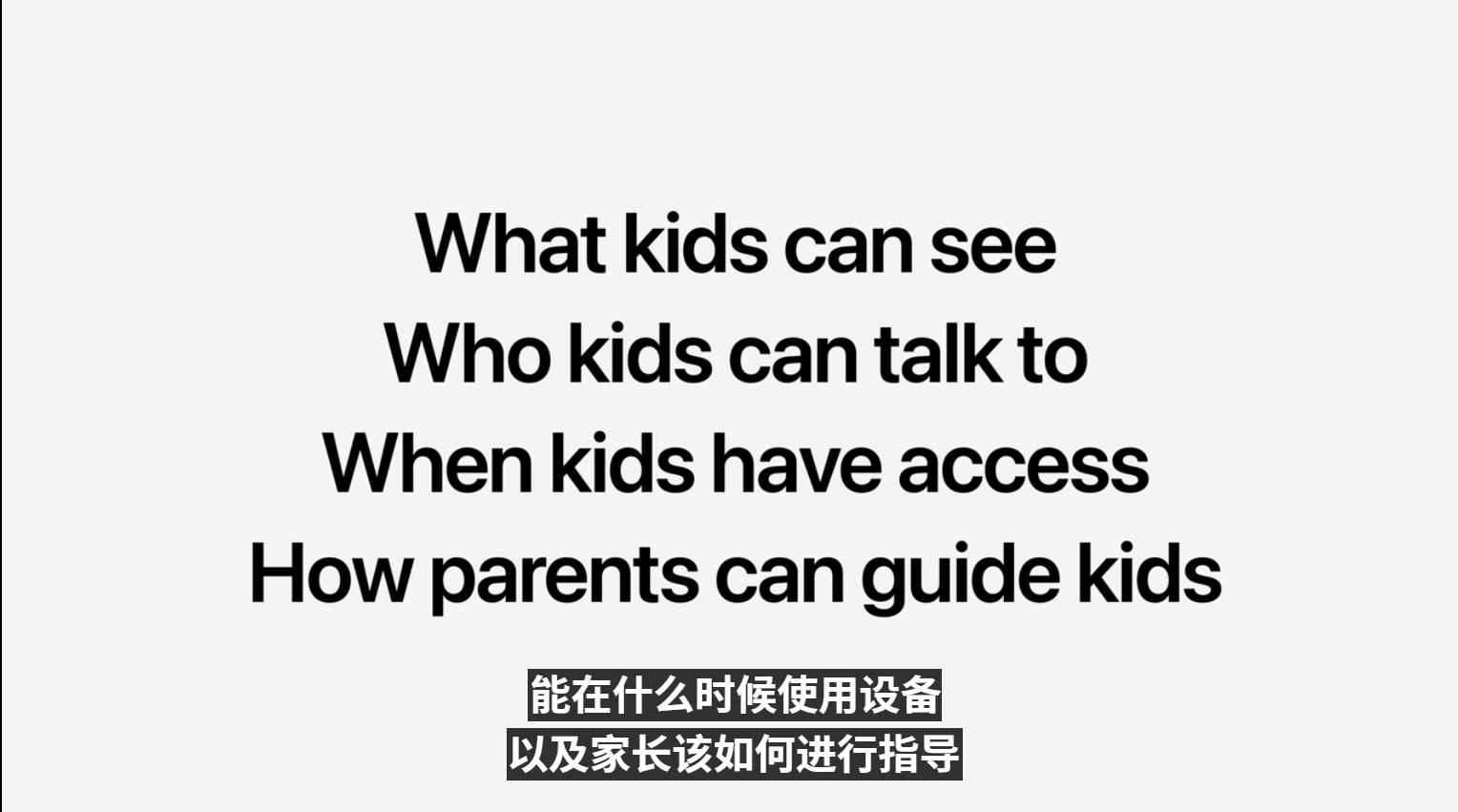
No company loves emphasizing 'health' narratives more than Apple. This time, Apple turned its attention to teen smartphone use. iOS 27 allows users to convert an Apple ID into a child account, which then loses all privileges of a regular account. Parents can add it to a family group and set restrictions on accessible websites, Apps, and actions. For example, if a child tries to visit an unhealthy website, parents receive a notification and can decide whether to allow access.
(Image source: Apple official)
Parents can even restrict random contact additions, reducing the risk of strangers harassing or influencing their children. If a child wants to play games or browse social media, parents can limit usage duration in settings (up to 3 hours a day, presumably).

(Image source: Apple official)
Apple spent nearly ten minutes explaining this new feature. While it resembles some domestic learning tablets, Apple offers broader parental controls and supports more Apps. Perhaps future iPhones won't just be 'senior-friendly' devices—they could also become 'healthy phones' for teens.
Beyond appearance and teen safety, Apple dedicated the rest of WWDC2026 to AI. Lei Technology has already published a dedicated article on Apple's AI; interested readers can check it out.
One notable update is the Photos app. iPhones running iOS 17 can use AI to recompose, expand, or remove clutter from photos after capture. While these features are common on Android phones, Apple's recomposition is more aggressive and intelligent—it adjusts not just frame size but also shooting angles, facial expressions, and lighting effects automatically.
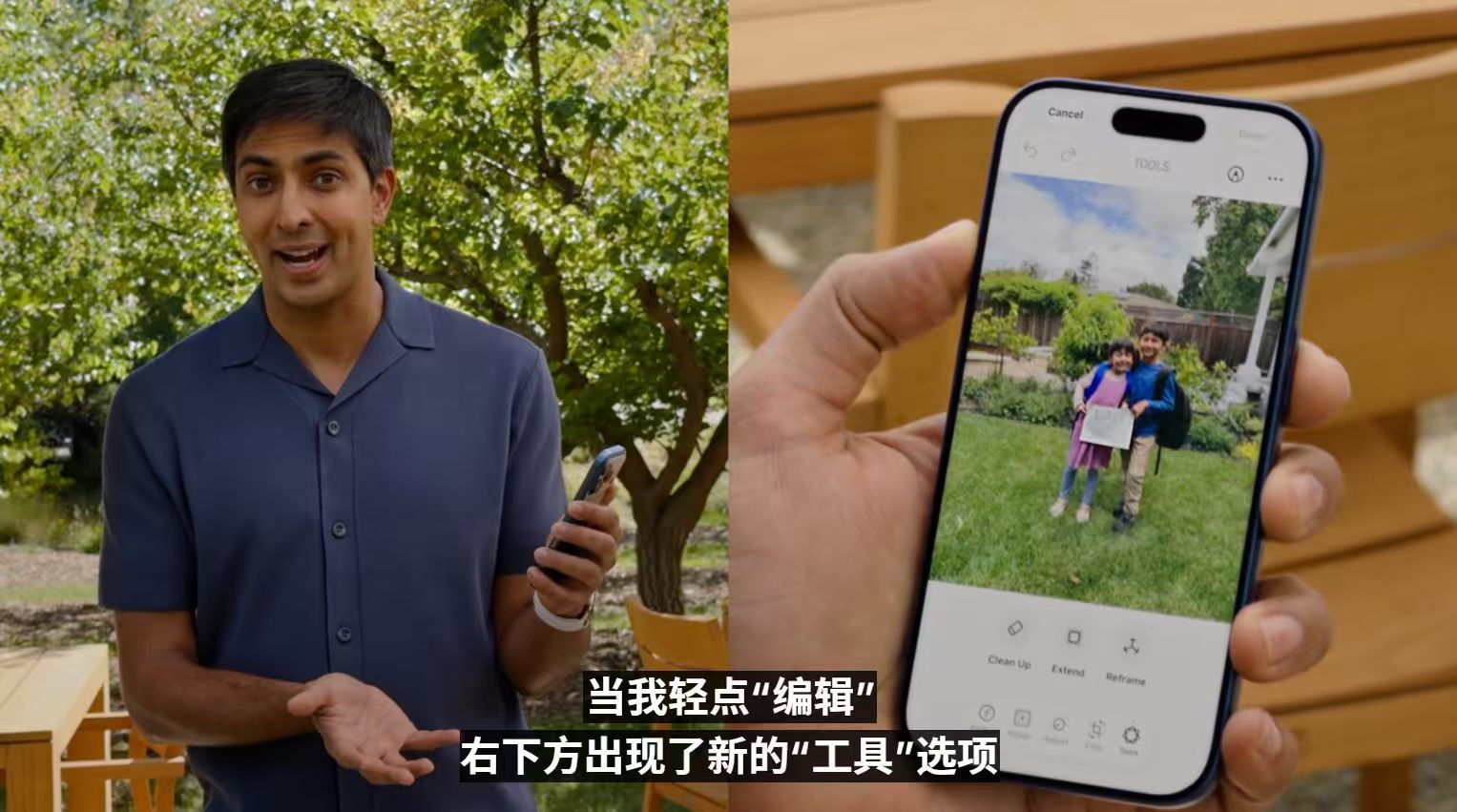
(Image source: Apple official)
However, the actual effects may remain untested for a while.
Regarding device support, surprisingly, the seven-year-old iPhone 11 series still supports iOS 27. However, based on personal experience, I don't recommend updating iPhones older than three years—it may severely degrade performance (including animation stutters, overheating, and battery drain).
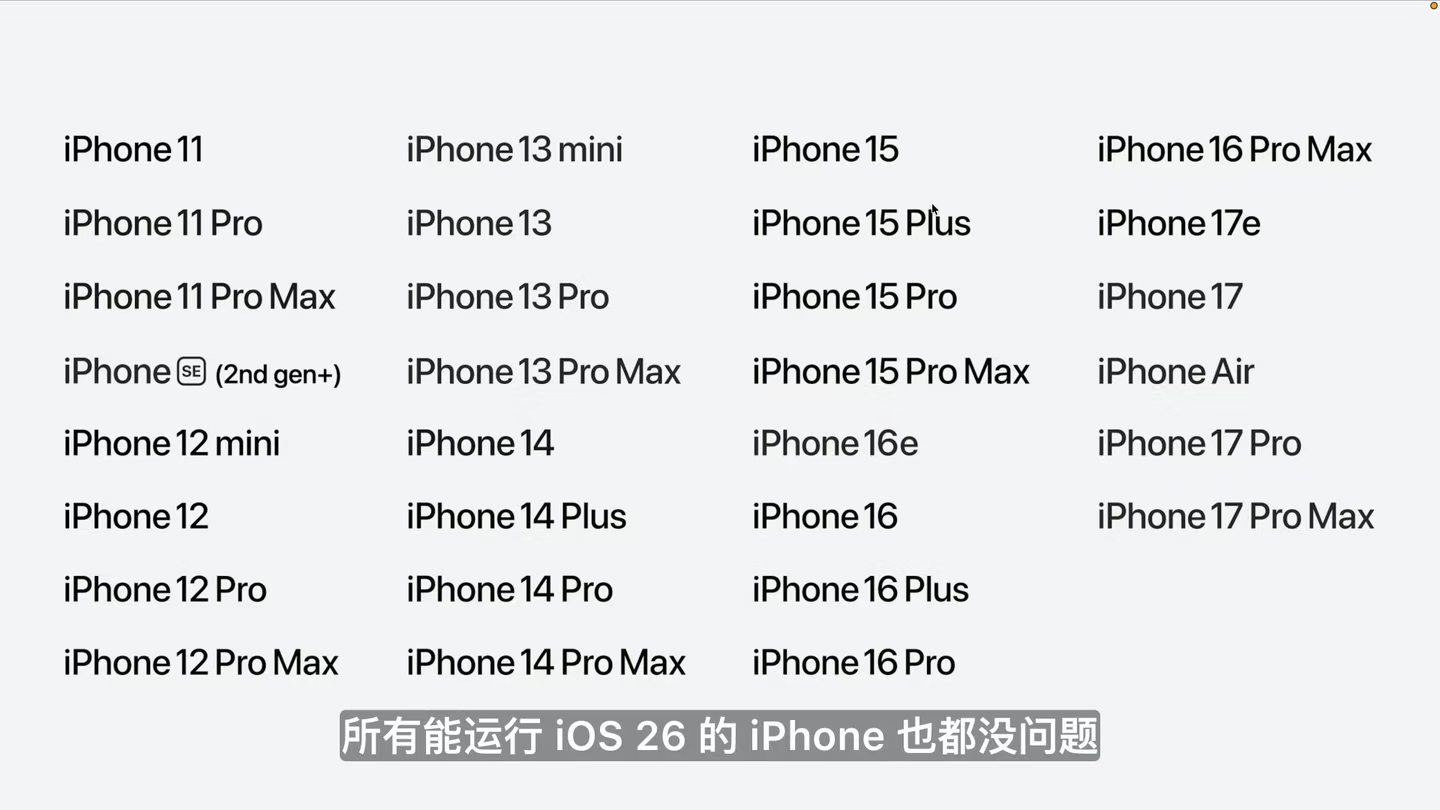
(Image source: Apple official)
In my view, this year's iOS 27 doesn't bring major changes—even fewer in features and appearance than previous generations. This is partly because expectations for iOS keep rising. On one hand, iPhone's system experience is already mature; Apple can no longer impress users with a Control Center, a widget, or a custom lock screen like in the early days. On the other hand, users now demand more than just 'no lag, smooth, and secure'—they want systems to reduce operational costs in more details.
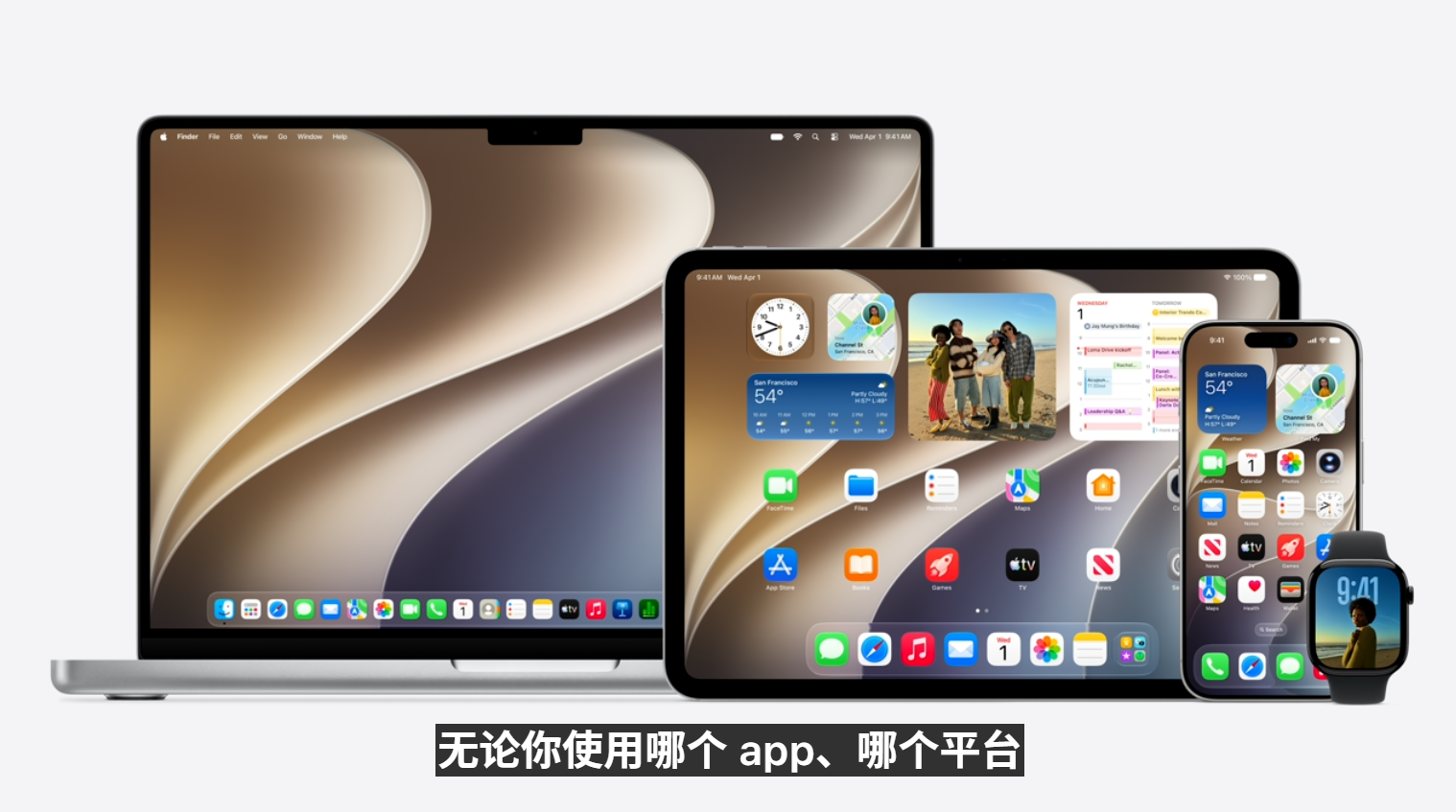
(Image source: Apple official)
For iPhones, system updates have reached a stage where surprise alone can't win—they need restraint, stability, and continuity.
Compared to iOS, iPadOS and macOS saw even smaller updates. Let's start with macOS: its focus was refining liquid glass display issues. Many users complained that after auto-updating, the control bar's background and text interfered, severely affecting readability.
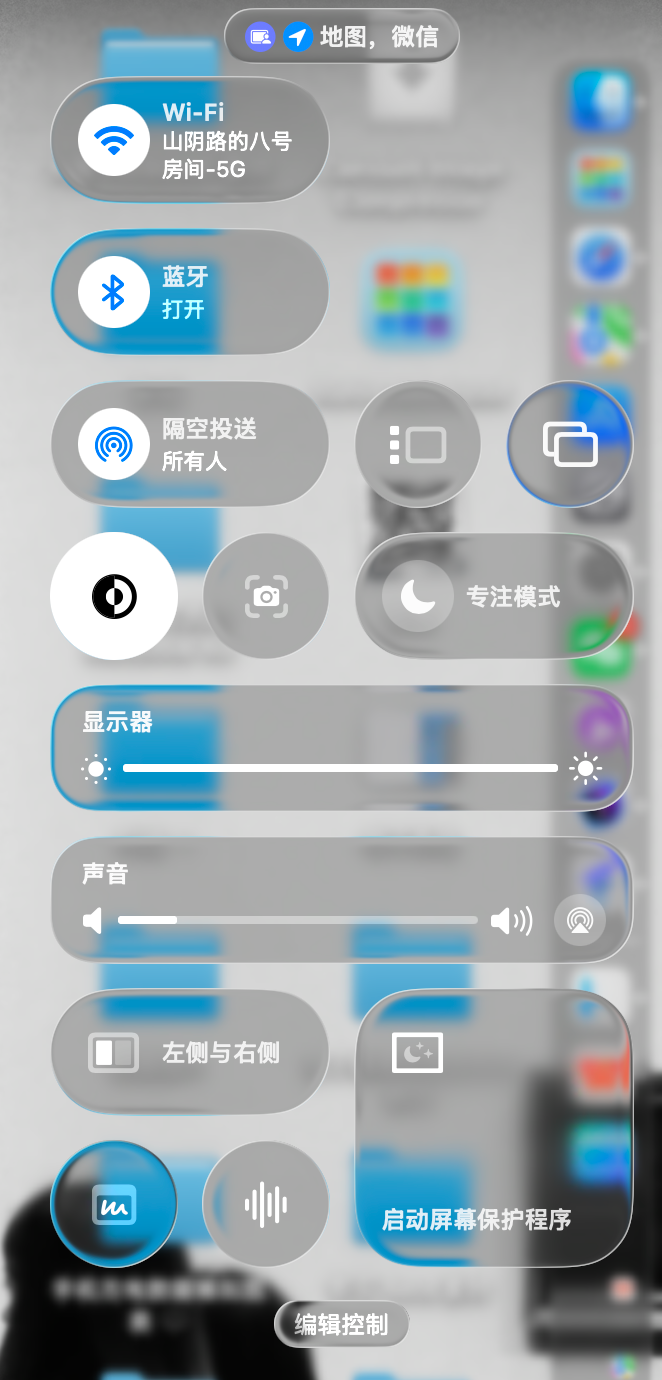
(Image source: Lei Technology)
In macOS 27, Apple readjusted interface transparency, shadows, blur effects, and stacking logic to maintain liquid glass's 'premium feel' without sacrificing readability or increasing power consumption.
However, I believe macOS 26's issues weren't just UI-related—many detail and feature changes felt uncomfortable. For example, the Launchpad I've used for five years is gone, now only partially restored via third-party software. Additionally, while the system interface adopted liquid glass, many Apps remained flat, creating a noticeable disconnect.
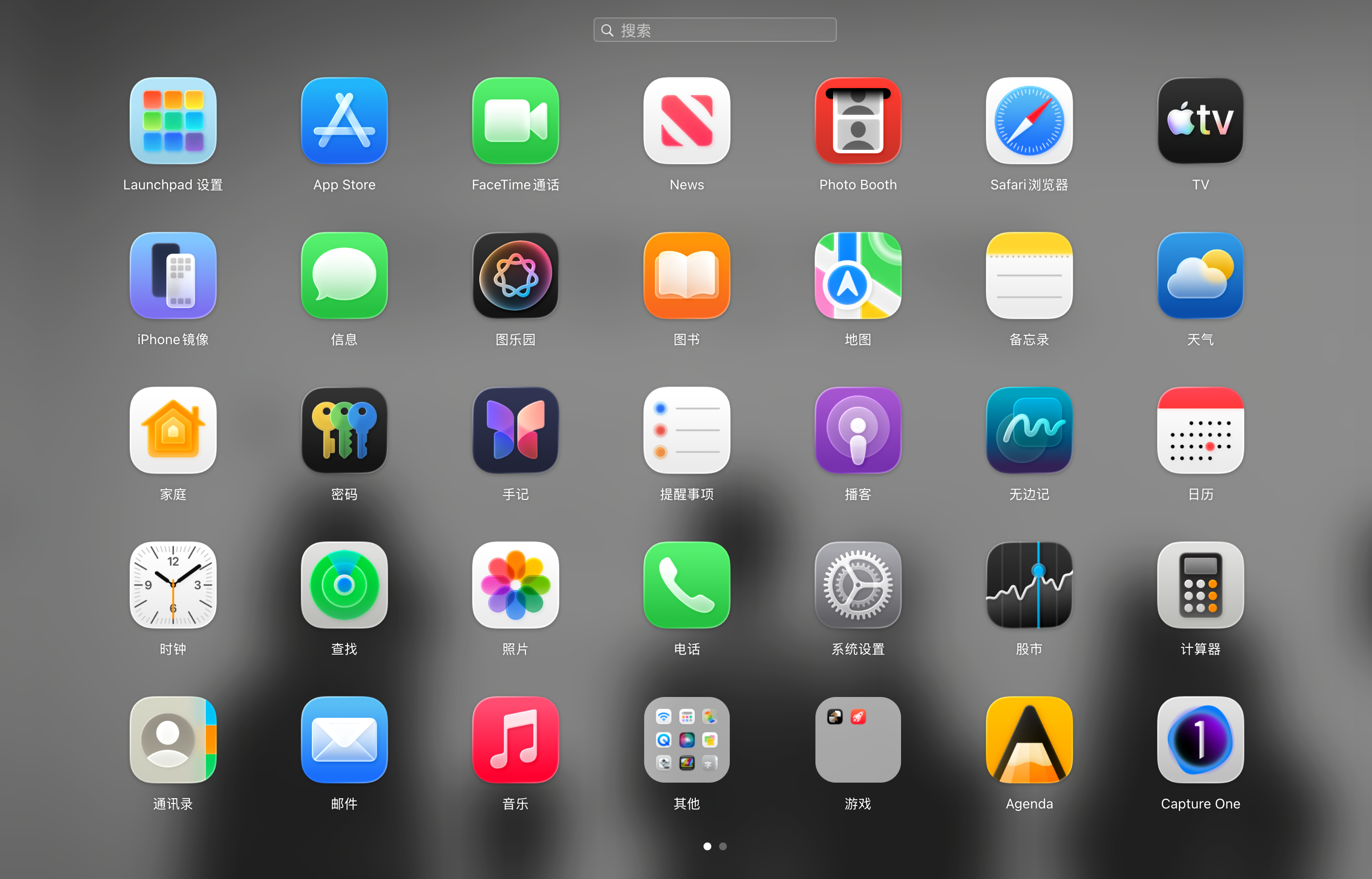
(Image source: Lei Technology)
In terms of Apps, with Apple's new AI, macOS can help users set schedules, answer questions, auto-categorize browser tabs, and even collect desired information after closing browsers. For details, refer to Lei Technology's separate AI article.
Regarding device support, Apple previously stated that macOS 26 would be the last to support Intel chips—meaning all M-series MacBooks can upgrade to macOS 27 immediately. It's unclear whether the A-series MacBook Neo will get instant access.
As for iPadOS 27, beyond AI features and UI optimizations, there's little to discuss. This is understandable—last year's iPadOS 26 was arguably the biggest iPad update in a decade, so a 'token' update this year makes sense.
Overall, WWDC 2026's system updates brought few surprises. Unlike last year's unified liquid glass design for iOS 26, iPadOS 26, and macOS 26, Apple this year focused on refining and polishing the previous generation.
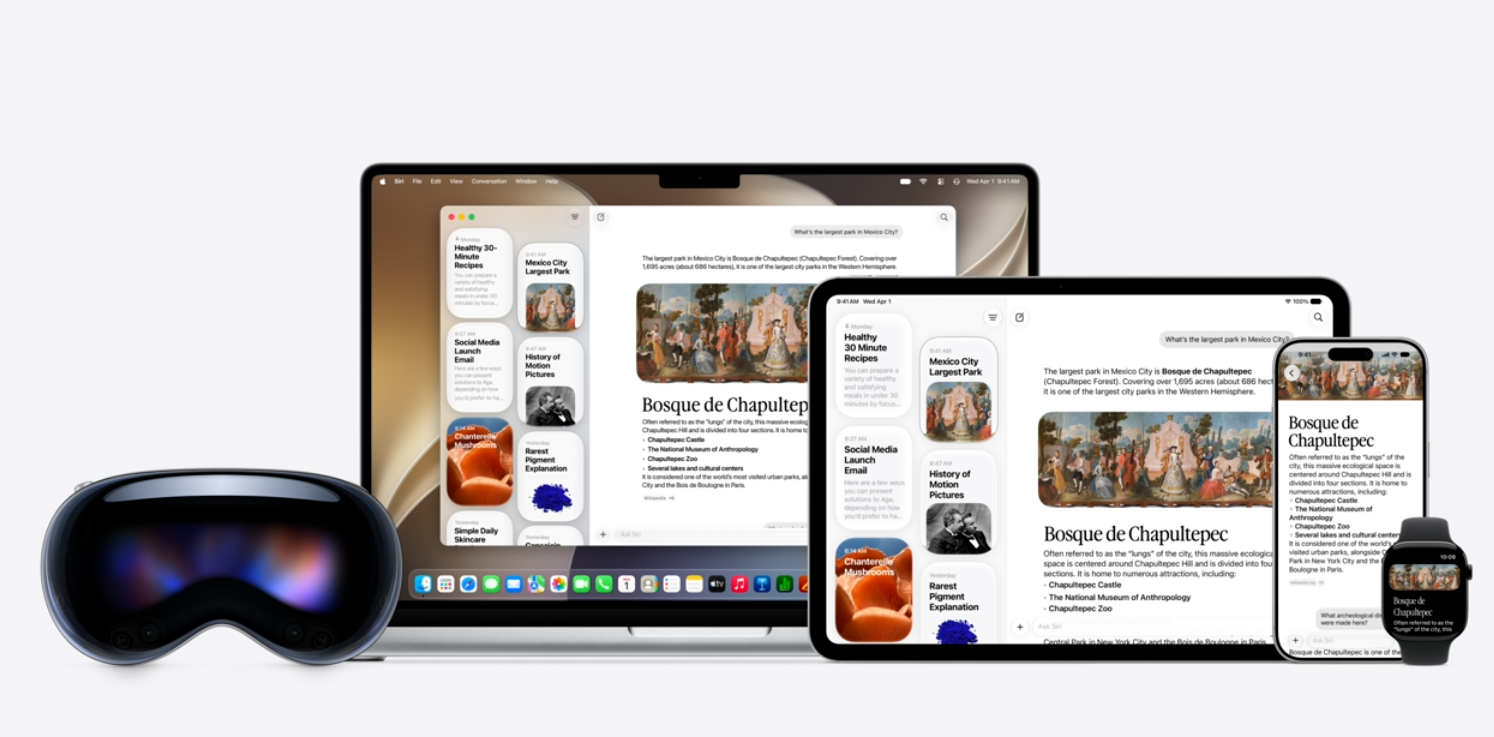
(Image source: Apple official)
iOS 27's priority isn't a visual overhaul but enhancing system stability, smoothness, and detail experiences. Visible updates are minor—transparency adjustments, unified icons, Dynamic Island visual optimizations, etc. Instead of visual changes, Apple emphasized smoothness and daily experience, boosting App launches, file browsing, and AirDrop speeds through new scheduling mechanisms.
Additionally, iOS 27 strengthened teen safety features. Parents can now finely control website access, contact additions, App usage time, and permissions, making iPhones more family-friendly.
In contrast, iPadOS 27 and macOS 27 saw even smaller changes. macOS focused on optimizing liquid glass display effects and readability; iPadOS largely continued last year's direction without much new.
This year's Apple system updates could be described as 'polishing' rather than 'innovating.' iOS 27 aims to make new designs and daily experiences smoother, macOS 27 fixes readability and disconnect issues from liquid glass, and iPadOS 27 feels like a routine supplement (supplement) after last year's major update.
For users, this WWDC might seem underwhelming—no eye-catching new features—but it does address some experience issues left after last year's overhaul.
For today's Apple systems, simply creating freshness matters less. The true value lies in whether updates make long-term use less awkward and more intuitive.
Apple, iOS, WWDC, iPhone, iPad
Source: Lei Technology
Images in this article come from: 123RF Royalty-Free Library Source: Lei Technology
-
![]()
Qianwen’s Version of ‘Being Inside the Nails’
-
![]()
Unbelievable! Chery’s Rumor Refutation Disappears—Who’s Behind the Chaos?
-
![]()
Force Robotics Acquires Atomix: Empowering Robots to Develop Data Flywheels in Real-World Business Environments
-
![]()
Is India Acquiring Electric Vehicle Tech from China? Chery Responds
-
![]()
Struggling to Compete? Japanese Automakers Shift Focus to India, a Market Even Musk Avoids
-
![]()
Why Haven’t We Seen Any Automakers Go Bankrupt Yet, Even as 2026 Reaches Its Midpoint?
-
![]()
Saido Is in Need of a 'Primary Responsible Entity'
-
![]()
Shanghai Robot Brain’s Debut Share: Second Bid for HKEX Listing