HDC 2026: Can Huawei Bridge the Tablet-Computer Divide with Multi-Screen Integration?
 06/18 2026
 497
497
The future may see tablets and computers converge into remarkably similar devices.
At a recent sub-forum of HDC 2026, Zhu Dongdong, President of Huawei's Terminal Tablet and PC Product Line, shared a bold perspective on the evolving "boundaries between tablets and computers."
Zhu Dongdong pointed out that, historically, the primary distinctions between the two have been the power consumption of their chips and the types of operating systems they run. However, with advancements in chip capabilities, system experiences, and application ecosystems, users may soon prioritize functionality over device type when choosing between a tablet and a notebook.
In simpler terms, this signals Huawei's ambition to create an integrated "multi-screen convergence" ecosystem within the Hongmeng framework.
Traditionally, the differences between tablets and computers have been clear-cut. Mainstream tablets, typically ARM-based, rely on touchscreen interactions, run "mobile apps," and cater to "light scenarios" such as video streaming, online learning, and gaming. In contrast, computers, usually x86-based, employ keyboard and mouse interactions, run "desktop software," and handle complex, professional tasks that tablets struggle with.
From Leikeji's perspective (ID: Leikeji), these functional and scenario-based differences are rooted in "interaction" and "software," rather than marketing strategies. The advantage of interaction is straightforward: keyboard and mouse operations offer a more efficient and precise interaction method compared to the imprecise touch-based operations of tablets. The software ecosystem is more intricate: computers' superior cooling capabilities allow chips to perform more complex tasks, enabling the use of resource-intensive "desktop software."
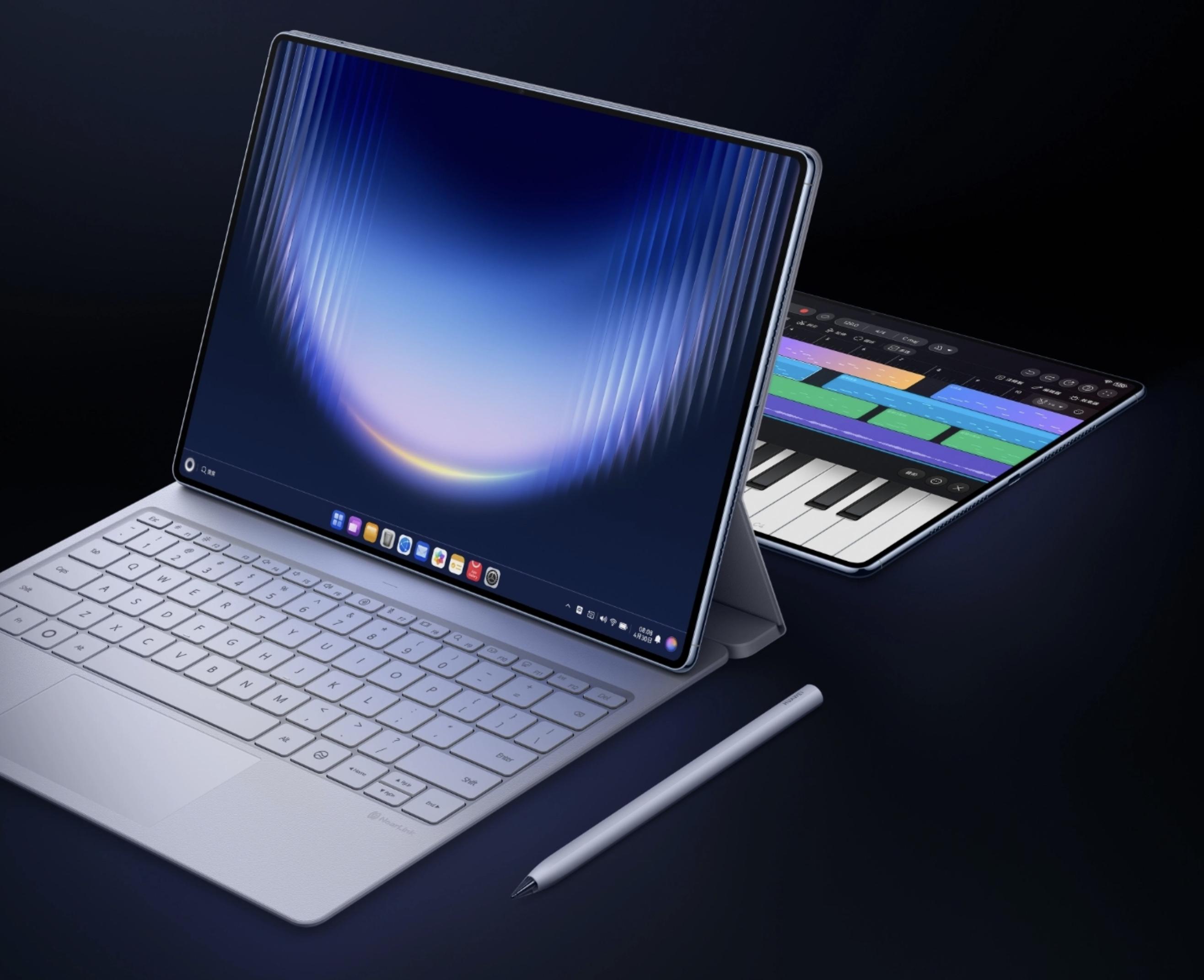
Image Source: Huawei
Despite tablet manufacturers' repeated emphasis on "productivity," such as Microsoft's unsuccessful attempt to redefine the Surface as an "x86 tablet" capable of running computer software, users recognize that limitations in screen size and touch interactions of Windows still necessitate the use of computers for actual work.
However, this raises a question: if tablets can overcome these interaction and software challenges, can true integration between tablets and computers be achieved?
Since the release of the M1-powered iPad Pro in 2021, the industry has been accelerating the convergence of tablets and computers. Tablets, with their larger batteries and thermal capacities, provide a better hardware foundation for performance. In terms of interaction, various brands have introduced external keyboards with touchpads for ARM tablets, aiming to bring precise operation capabilities to tablets.
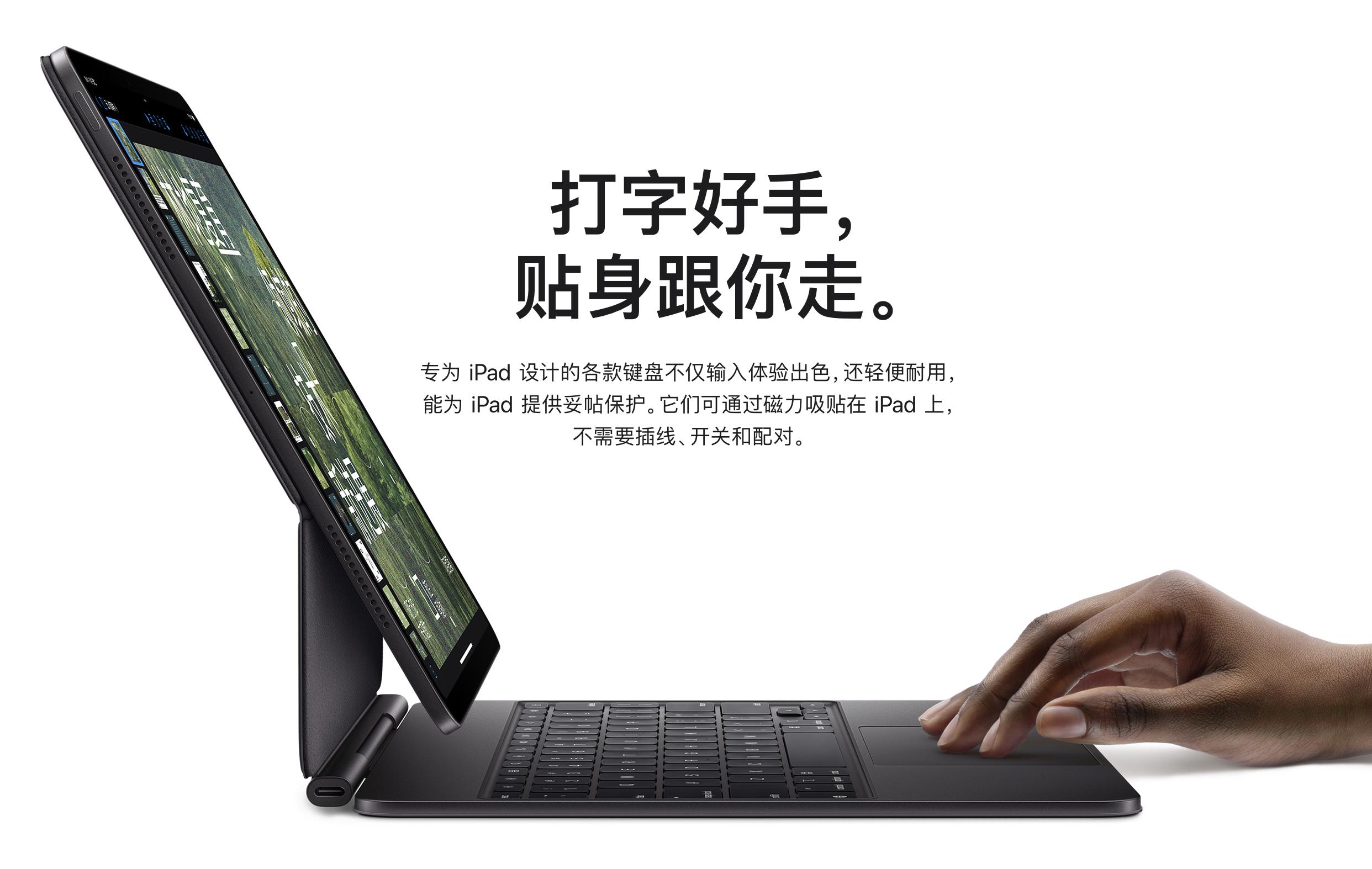
Image Source: Apple
Beyond hardware convergence, tablet interaction experiences are increasingly aligning with those of desktops. Features like multi-window, split-screen, free-form windows, external keyboard and mouse support, file management, taskbars, and external displays—experiences traditionally associated with PCs—are gradually being introduced to tablets.
Moreover, the rise of cloud computing power has bridged the hardware gap between tablets and computers. The popularization of hybrid model architectures and cloud computing has made many tasks device-independent, with devices serving as entry points for AI interaction. Actual computing power, data, and services can reside in the cloud or flow between terminals.
The booming ARM ecosystem and cloud-based AI have thus removed significant barriers for Huawei in "eliminating the boundaries between tablets and computers."
Huawei is not alone in this pursuit.
Apple has long positioned the iPad Pro as a productivity device, with M-series chips, Magic Keyboard, Apple Pencil, Stage Manager, and professional applications like Final Cut Pro and Logic Pro. These efforts aim to transform the iPad from a post-purchase entertainment device into a true productivity tool.
However, as of WWDC26, the iPad and Mac still run on separate systems. Despite sharing the same chip lineage and increasingly similar UI interfaces, with many iPad apps running on macOS, fundamental differences in software ecosystem and scale persist between iPadOS and macOS. In essence, "you can solve problems in a tablet-like way on a tablet or in a computer-like way on a computer," but tablets and computers remain distinct products.
Microsoft takes a different approach. From its inception, Surface aimed to demonstrate that a Windows device could be both a notebook and a tablet. While Surface has successfully brought the complete Windows ecosystem to the tablet form factor, it has only addressed the "software" issue, not the "interaction" issue. From Windows 8 to Windows 11, Surface remains primarily designed for keyboard, mouse, and desktop environments, with touch experiences and mobile app ecosystems that have never been ideal.
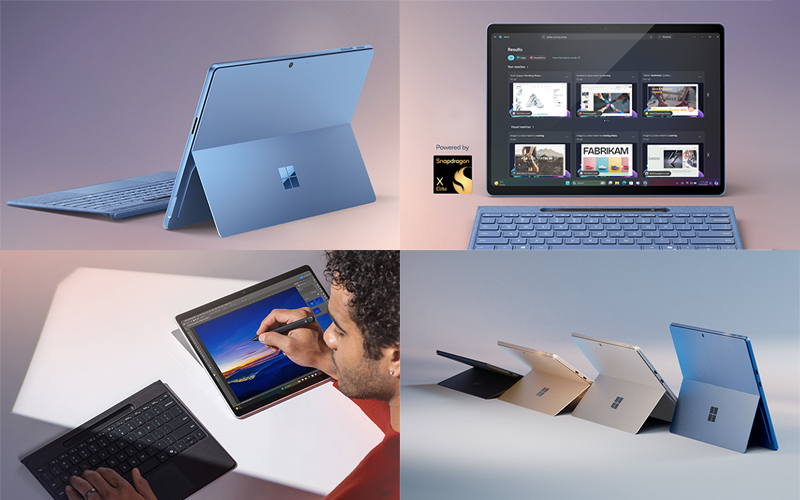
Image Source: Microsoft
Google and the Android camp, on the other hand, seem to be catching up on neglected homework. Affected by early Android fragmentation, the application ecosystem for Android tablets has long stagnated at the "large-screen smartphone" stage, lacking both the precise interaction capabilities of computers and a true large-screen ecosystem.
It wasn't until recent years that domestic Android tablet brands began to collaborate directly with third-party software developers like WPS to bring true desktop-level experiences to Android tablets, leading to improvements in the Android tablet ecosystem. However, with numerous manufacturers in the Android camp and inconsistent system experiences, forming a stable office ecosystem will take time.
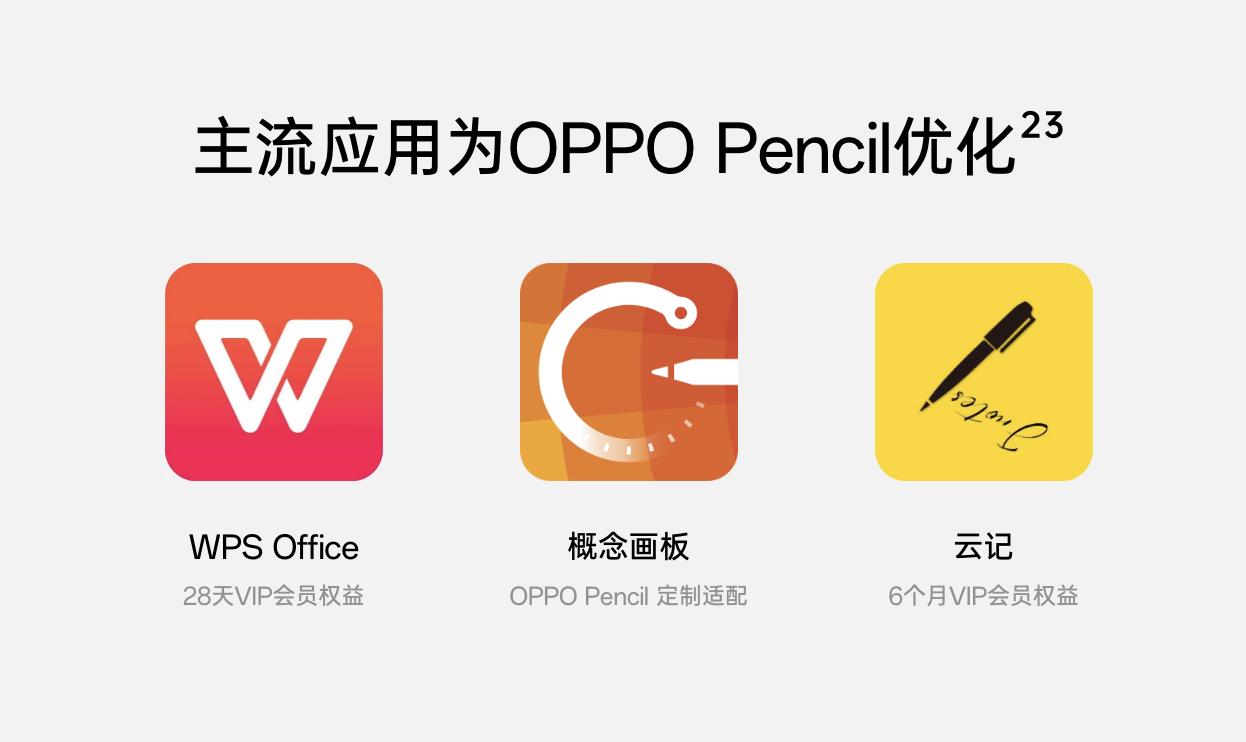
Image Source: OPPO
In comparison, Huawei's approach at HDC 2026 resembles Apple's. Huawei's core advantage lies in HarmonyOS 7.0, which integrates computers and tablets into a single system capability. Unlike Apple, Huawei is not aiming to "make tablets run computer software" but to redefine how users choose office devices in the AI era.
Traditionally, device selection followed a performance-first logic: light tasks on tablets and heavy tasks on computers. However, with the gradual popularization of AI and cloud computing, hardware and computing power have begun to decouple, and many tasks no longer rely entirely on local device performance. Smartphones, tablets, and computers can all serve as windows to access AI and cloud services, with interaction mode becoming the key determinant of user choice.
For example, in an office setting, computers are still suitable for long periods of fixed work; during meetings, classes, and outings, the portability and battery life of tablets offer advantages; even in fragmented scenarios, smartphones can serve as entry points for quickly accessing AI, processing information, and completing lightweight tasks.
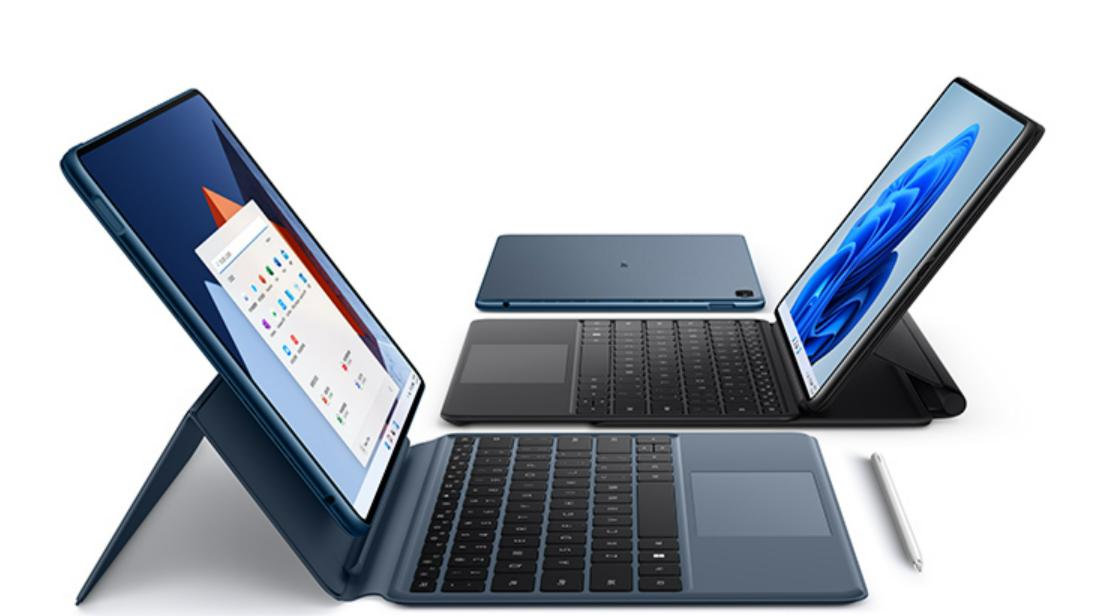
Image Source: Huawei
The value of different devices is no longer simply ranked by performance but is redefined based on scenarios and interaction modes. This also explains why HarmonyOS 7 emphasizes strengthening AI Agent and system-level integration.
At HDC 2026, Huawei introduced the HMAF 2.0 Hongmeng Intelligent Agent Framework, upgrading Xiao Yi from a traditional voice assistant to a system-level intelligent agent. This capability is crucial for tablet-computer integration: by abstracting AI away from hardware, the mode of interaction (voice, touchscreen, keyboard, and mouse) will become the biggest differentiator among smartphones, tablets, and computers.
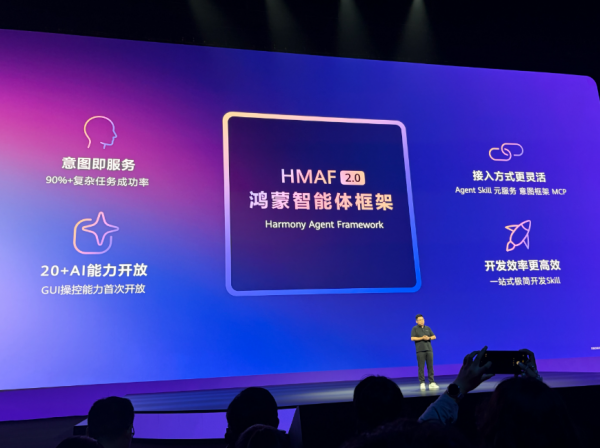
Image Source: Leikeji
In this way, the interconnection capabilities between tablets and computers will extend beyond simple file transfers to form a "Skill Pool" that can be scheduled across devices, allowing users to complete different tasks in different ways based on their actual needs.
According to Zhu Dongdong, "future device choices will depend on usage scenarios. Users will select the device that best meets their needs, as future devices may all be computing-powered devices."
From Leikeji's perspective (ID: Leikeji), another motive behind major manufacturers' push for tablet-computer integration in 2026 is to seize the opportunity to change industry habits in the era of AI Agents and vie for the right to define the next generation of primary productivity devices.
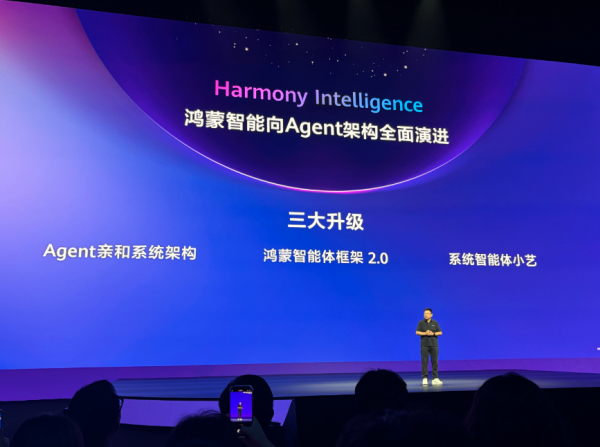
Image Source: Leikeji
Historically, the primary productivity device has been the notebook computer. Despite the convenience of smartphones and tablets, users have ultimately relied on PCs for complex office work, content creation, file management, and professional software.
However, on social platforms like Xiaohongshu, many university students have stated that they "don't know how to use a computer and only use smartphones and voice input for writing documents and creating spreadsheets." Photographer friends of Xiao Lei have also started using iPad Pros instead of computers for photo editing, communicating with clients in a more intuitive way...
This "reshuffling" of productivity tools presents an opportunity that Huawei and the HarmonyOS ecosystem cannot afford to miss. If the first instinct when working is still to open a "notebook computer," then the HarmonyOS ecosystem, which got a later start, will indeed find it difficult to shake the position of "industry veterans." However, if HarmonyOS's global AI can handle heavy workloads, then device form factors will become irrelevant, and HarmonyOS hardware will truly usher in its "spring."
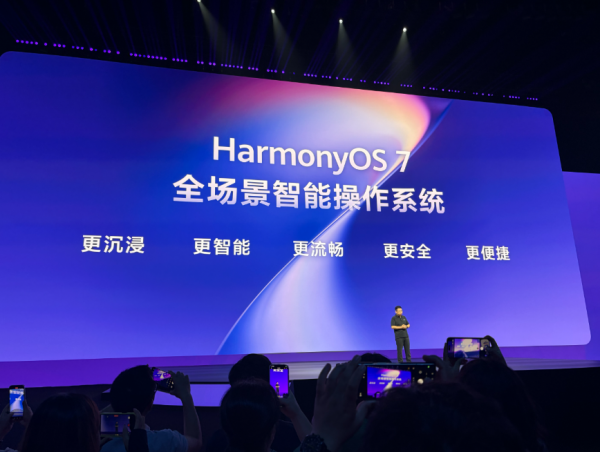
Image Source: Leikeji
At HDC, Huawei argued that "there may not be a fixed answer for the next generation of office devices." This radical strategy has charted a development path for Huawei that differs from Windows and Mac. What is certain is that in the HarmonyOS 7 era, "old-form" devices like desktops and notebook computers will still exist, but tablets and smartphones will no longer play secondary roles.
After all, if tasks can be completed by simply "speaking" to a smartphone, tablet, or even a smartwatch, who would want to pull out a computer?
-
![]()
NVIDIA Sparks GPU Revolution, Challenging 5G Base Station Chips: Over 130 Firms Back the Initiative
-
![]()
Memory Price Surge Weighs on Smartphone Sales! Global Smartphone Sales in Week 20: Huawei and Apple Buck the Decline, While Others Struggle
-
![]()
‘CEORION of Cangqiong’ Takes the Dive: Large Models Tackle ‘Manual Labor’ in Marine Environments
-
[In-Depth] Dual-Beam UV-Visible Spectrophotometers: High-Precision Optical Analytical Instruments in a Fiercely Competitive Chinese Market
-
![]()
HDC 2026: Can Huawei Bridge the Tablet-Computer Divide with Multi-Screen Integration?
-
![]()
At HDC 2026, Will Huawei Bridge the Gap Between Tablets and Computers, Pioneering Multi-Screen Integration?
-
Companion Robot: Is It UBTECH’s New Path to Success?
-
![]()
AI Fails to Predict 'Cape Verde' Upset