iPad mini 7 Standalone Survival Test: Achieves 80% of Smartphone Functions, Falls Short on the Remaining 20%
 03/30 2026
 636
636
Tablets are tablets, and smartphones are smartphones; each has its distinct role.
In October 2024, Apple officially released the iPad mini 7. Xiaolei, eager for a compact tablet, promptly made a purchase. This time, opting for the cellular version, Xiaolei aimed to enjoy seamless internet connectivity anytime, anywhere.
After using the iPad mini 7 cellular version for over a year, it has become one of Xiaolei's most frequently used devices, with daily usage time second only to that of a smartphone. Recently, Xiaolei pondered: since the iPad mini 7 cellular version doesn't rely on WiFi and boasts most smartphone features, what if it completely replaced a smartphone?
Xiaolei was well aware of the differences between tablets and smartphones but, driven by curiosity, decided to conduct an experiment: use only the iPad mini 7 cellular version for an entire day, replicating all smartphone scenarios.
It Supports 5G, but Lacks Some Smartphone Features
The iPad mini 7 cellular version can activate a 5G data network with a subscription, but it doesn't support traditional phone calls and text messages. Moreover, the Chinese version currently only supports one carrier, China Unicom, limiting its mobile communication capabilities compared to smartphones.
Additionally, while the iPad mini 7 can make and receive FaceTime video calls and send and receive iMessages over cellular networks, the Chinese version doesn't support FaceTime audio calls.
Apple enthusiasts generally know that iPad cellular versions can't make phone calls or send text messages, but many are unaware of the absence of features like NFC and vibration motors in iPads.
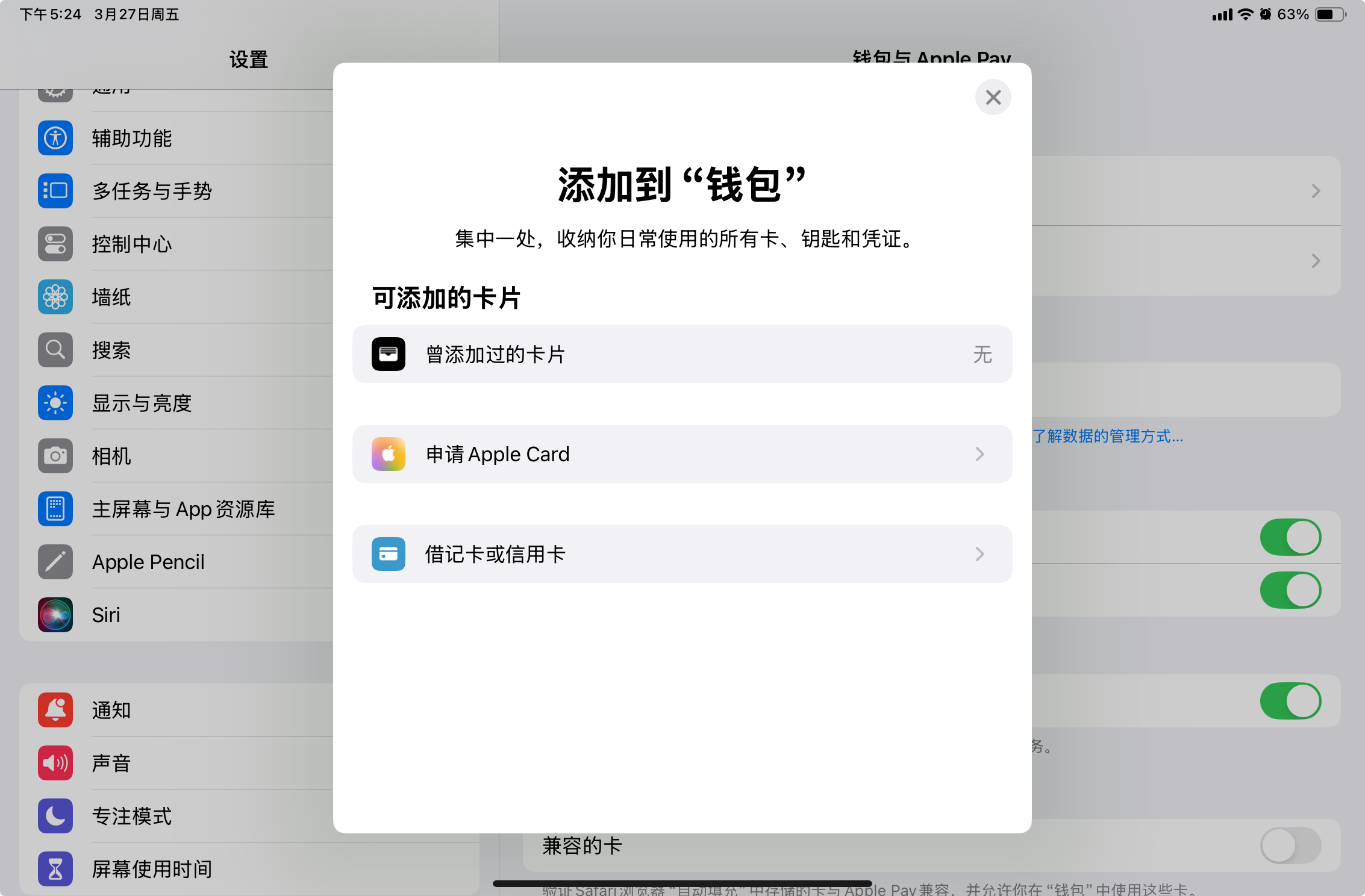
All iPads, including the iPad mini 7, lack vibration feedback. This absence primarily affects notification alerts and gaming experiences, where physical feedback is missed. Without NFC, Apple Pay on the iPad is limited to web pages and apps, excluding virtual transit cards and bank cards, rendering the transit card scenario—a common use case for Apple Pay in China—unusable.
(Image source: Leitech)
Furthermore, a less-noticed limitation is that iPads cannot pair with or manage Apple Watches. Thus, if Xiaolei only brought the iPad and left the iPhone behind, the Apple Watch would be 'disconnected.' It could still tell time and record exercise but couldn't receive notifications.
It's worth noting that the iPad cellular version includes a GPS chip, making map navigation feasible with the iPad mini 7.
Now that we've covered the background, let's dive into the actual testing.
Using an iPad as a Smartphone Replacement: The Pros and Cons Are Clear
Scenario 1: Scanning Codes for Access and Making Payments - It Works
According to Xiaolei's daily routine, the first smartphone-related task after leaving home in the morning is taking the subway. Physical transit cards have been replaced by smartphone NFC transit cards or ride codes for gate access.
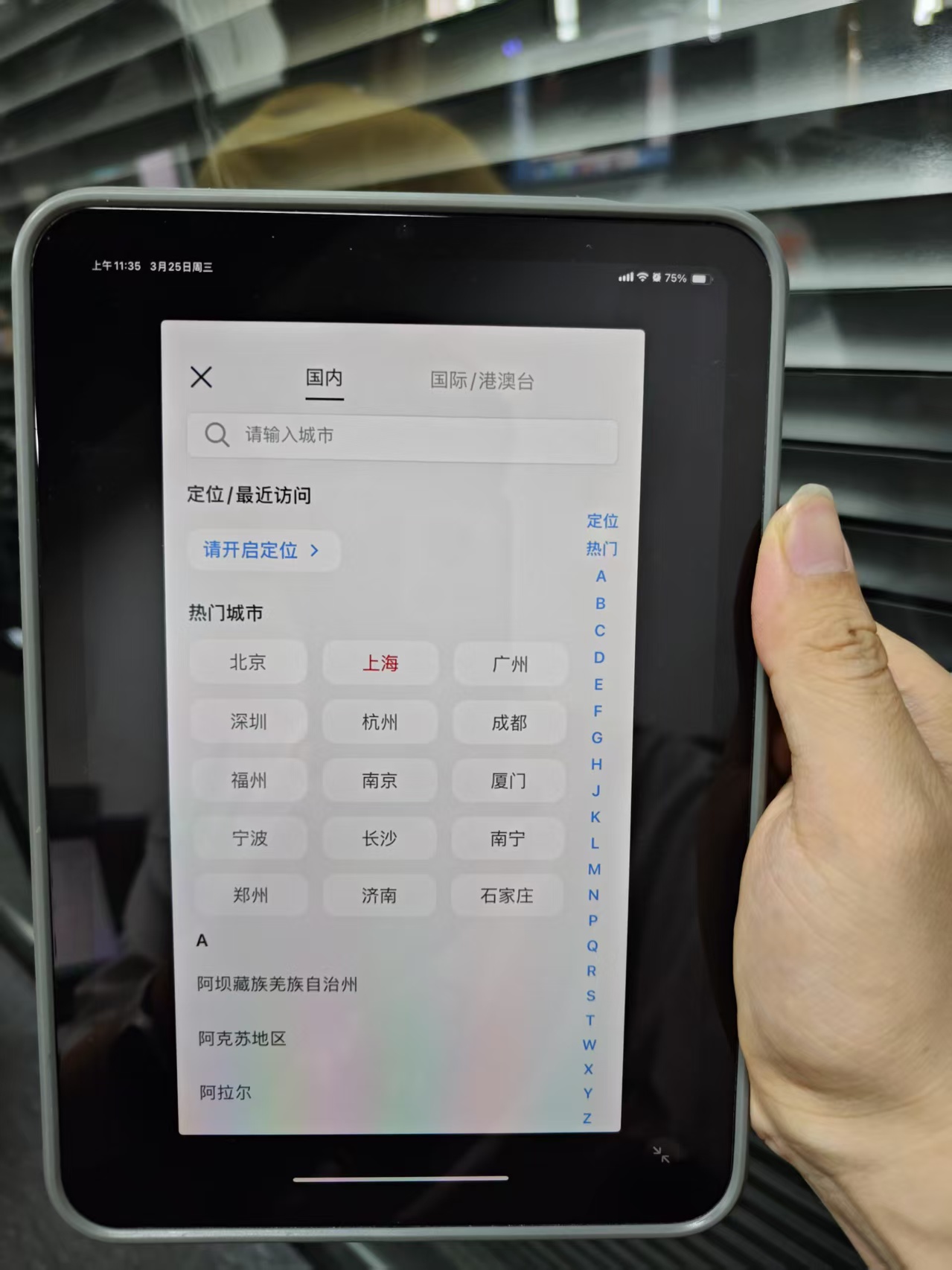
The iPad mini series can generally install smartphone apps. The only issue Xiaolei encountered was that UnionPay QuickPass wasn't optimized for tablets; using the smartphone app on the iPad resulted in large black borders. Doubling the magnification led to a slightly blurry UI.
(Image source: Leitech)
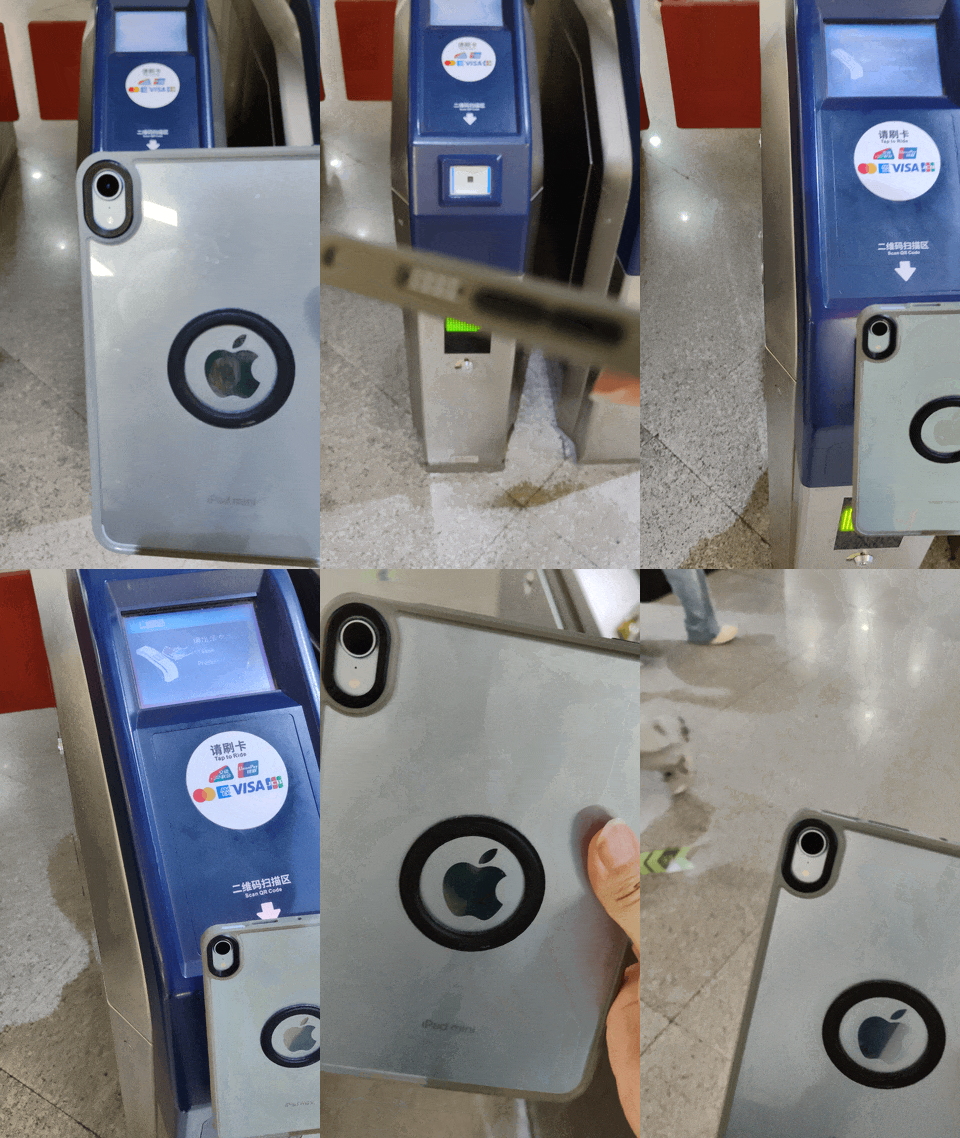
The iPad mini 7's compact size made single-handed scanning for gate access relatively convenient; a larger tablet would be cumbersome.
(Image source: Leitech)
Additionally, UnionPay QuickPass requires SMS verification for device switching, so Xiaolei had to pre-log into the iPad's UnionPay QuickPass account at home using a smartphone to bypass this step.
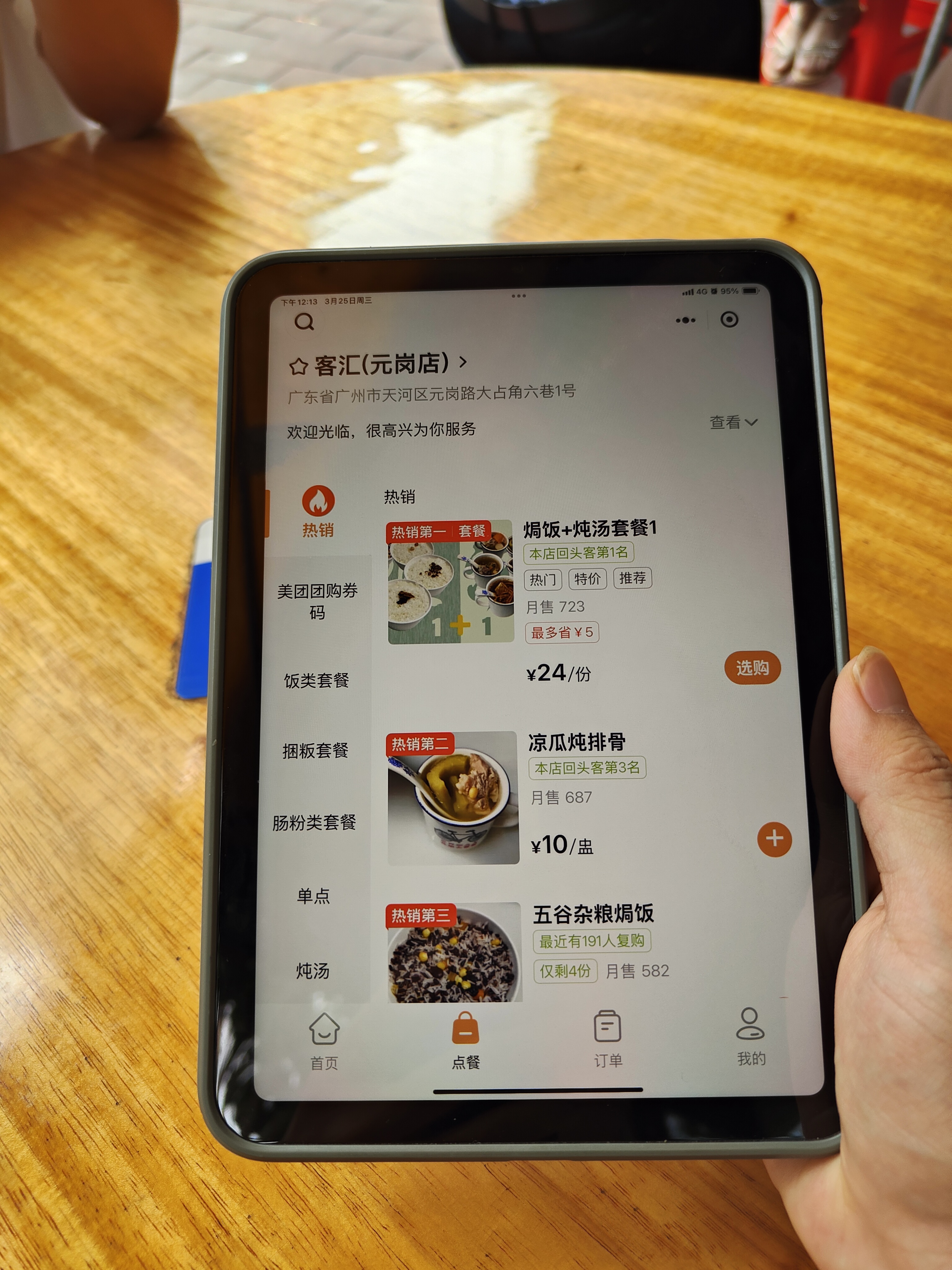
Xiaolei usually opts for fast-food restaurants near the office for lunch, where scanning codes to order is common. With WeChat or Alipay installed on the iPad, the experience was similar to using a smartphone, except Alipay's NFC tap-to-pay feature was unavailable. For food delivery, the only issue was the inability to receive calls from delivery personnel; communication had to occur online within the app.
(Image source: Leitech)
Scenario 2: Watching Videos and Reading E-books on the Subway - A Larger Screen Enhances the Experience
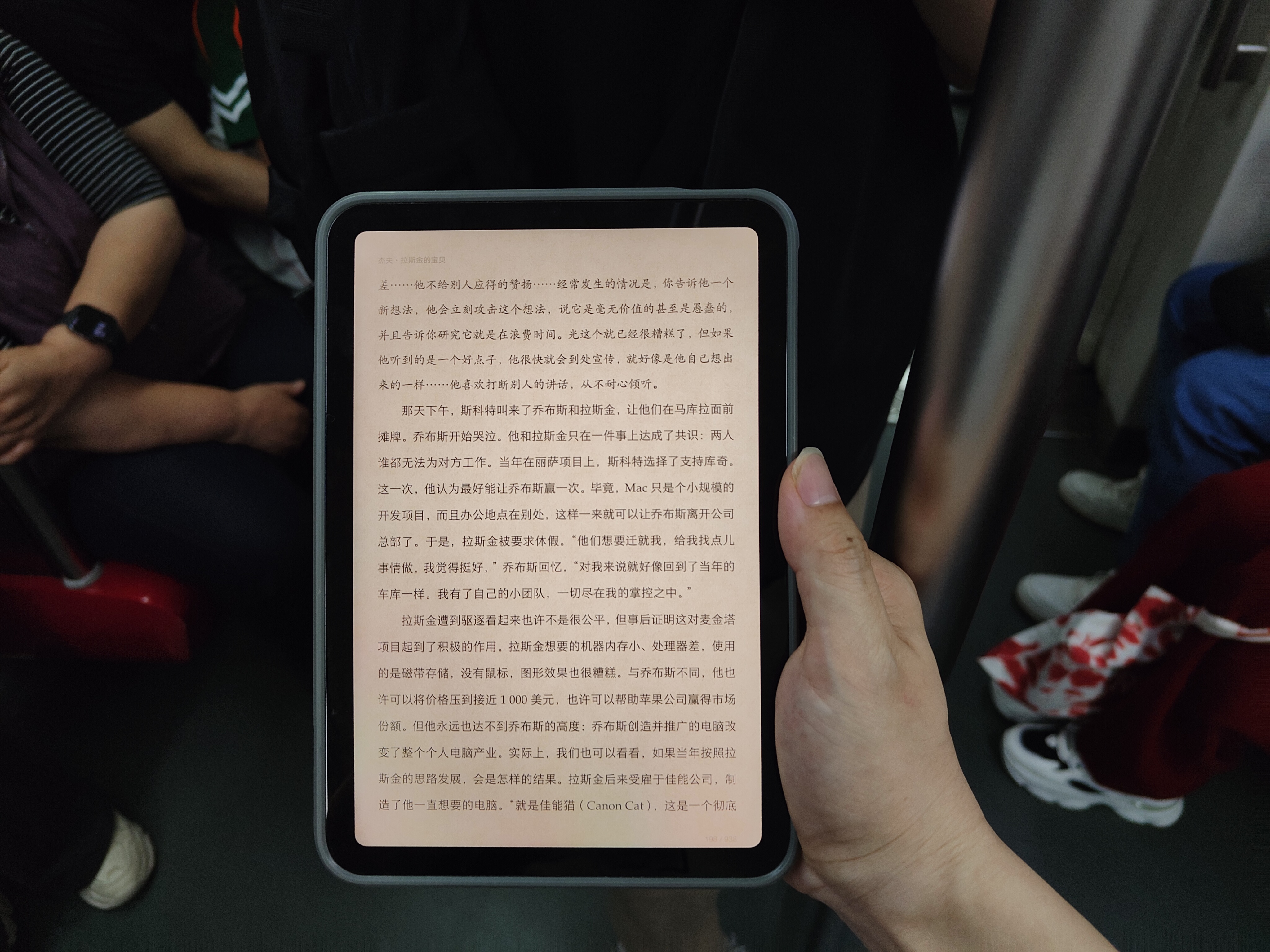
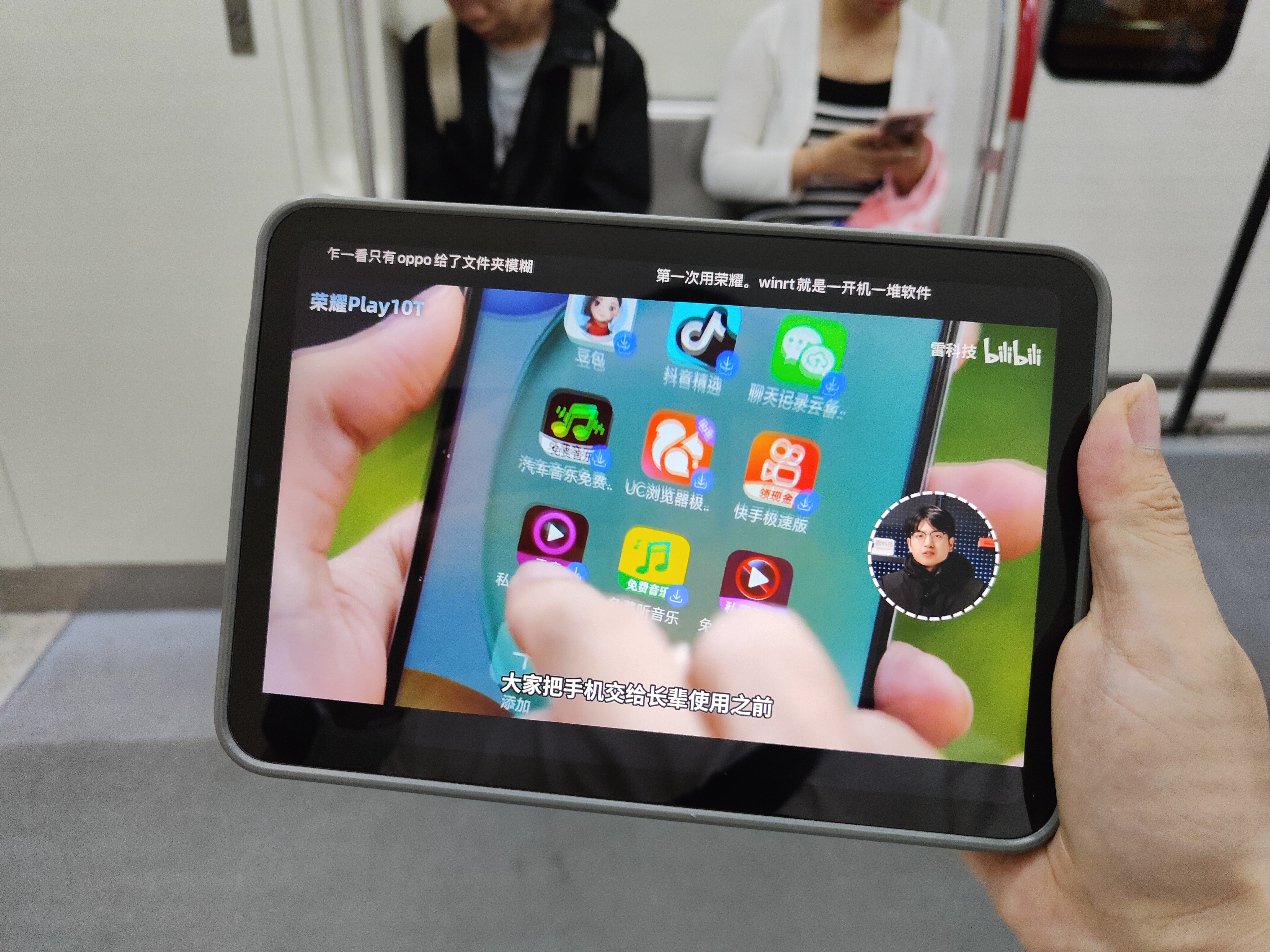
Xiaolei's commute is relatively long, often spent watching videos or reading e-books on the smartphone. The iPad mini 7 handled these tasks effortlessly. With an 8.3-inch screen, it offered significantly more display area than a 6-inch smartphone, making reading apps and watching videos on platforms like Bilibili much more enjoyable.
(Image source: Leitech)
The iPad mini 7 cellular version weighs 297 grams. Even with a screen protector and case, it weighed just over 370 grams. Although heavier than most smartphones, it was much lighter than large tablets, making single-handed holding manageable. However, operations like dragging the progress bar or switching apps required two hands.
(Image source: Leitech)
Scenario 3: Map Navigation - Usable but Not Ideal
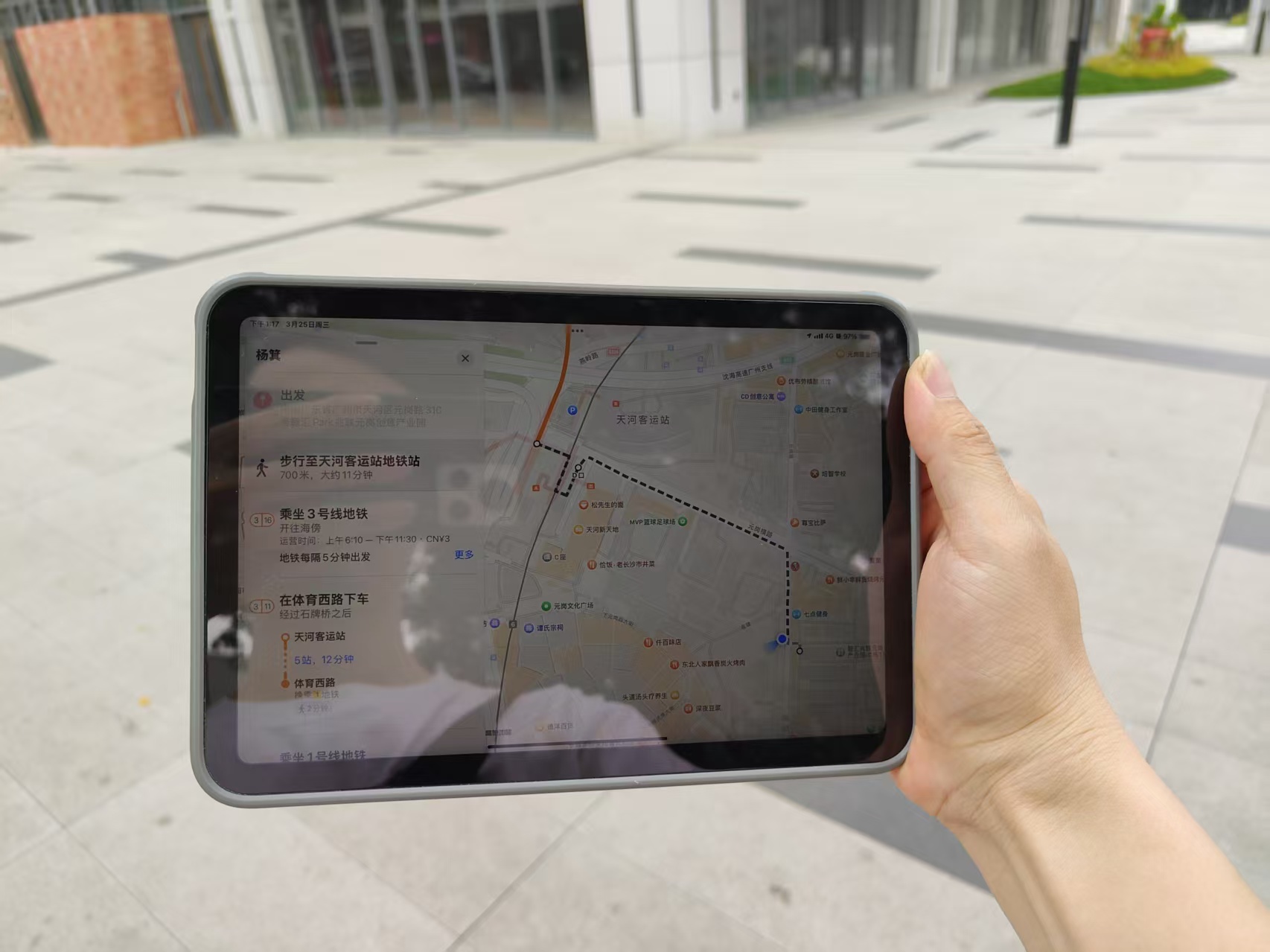
As mentioned earlier, the iPad cellular version has a GPS chip, so Xiaolei attempted to use the iPad mini 7 for navigation. However, the experience was mediocre, primarily due to two issues.
Firstly, the iPad mini 7's screen brightness was relatively low, resulting in average outdoor visibility. Its LCD screen, with a peak brightness of 500 nits, was sufficient indoors but inadequate outdoors, especially compared to smartphones with peak brightness of one to two thousand nits. Outdoor navigation was straining due to reflections and low brightness.
(Image source: Leitech)
Secondly, although the iPad mini 7 had a GPS chip, its positioning accuracy was average. The positioning chip used wasn't as high-specification as those in iPhones and other smartphones and didn't support dual-band GPS. While relatively accurate in open areas, it could drift in downtown areas surrounded by tall buildings.
Consequently, Xiaolei primarily treated the iPad mini 7 as an auxiliary navigation tool, still needing to pay attention to the road.
Scenario 4: Gaming - Performs Better Than Smartphones
Whether during lunch breaks or after returning home, gaming on the iPad mini was a common scenario. Its advantage over smartphones lay in the larger screen and better heat dissipation due to the larger body. A larger screen meant a wider field of view and a more comfortable viewing experience. Moreover, the iPad mini 7's larger internal space facilitated better chip heat dissipation, resulting in more stable gaming performance.
The A17 Pro + 8GB RAM allowed the iPad mini 7 to handle most games, remaining competitive in 2026.
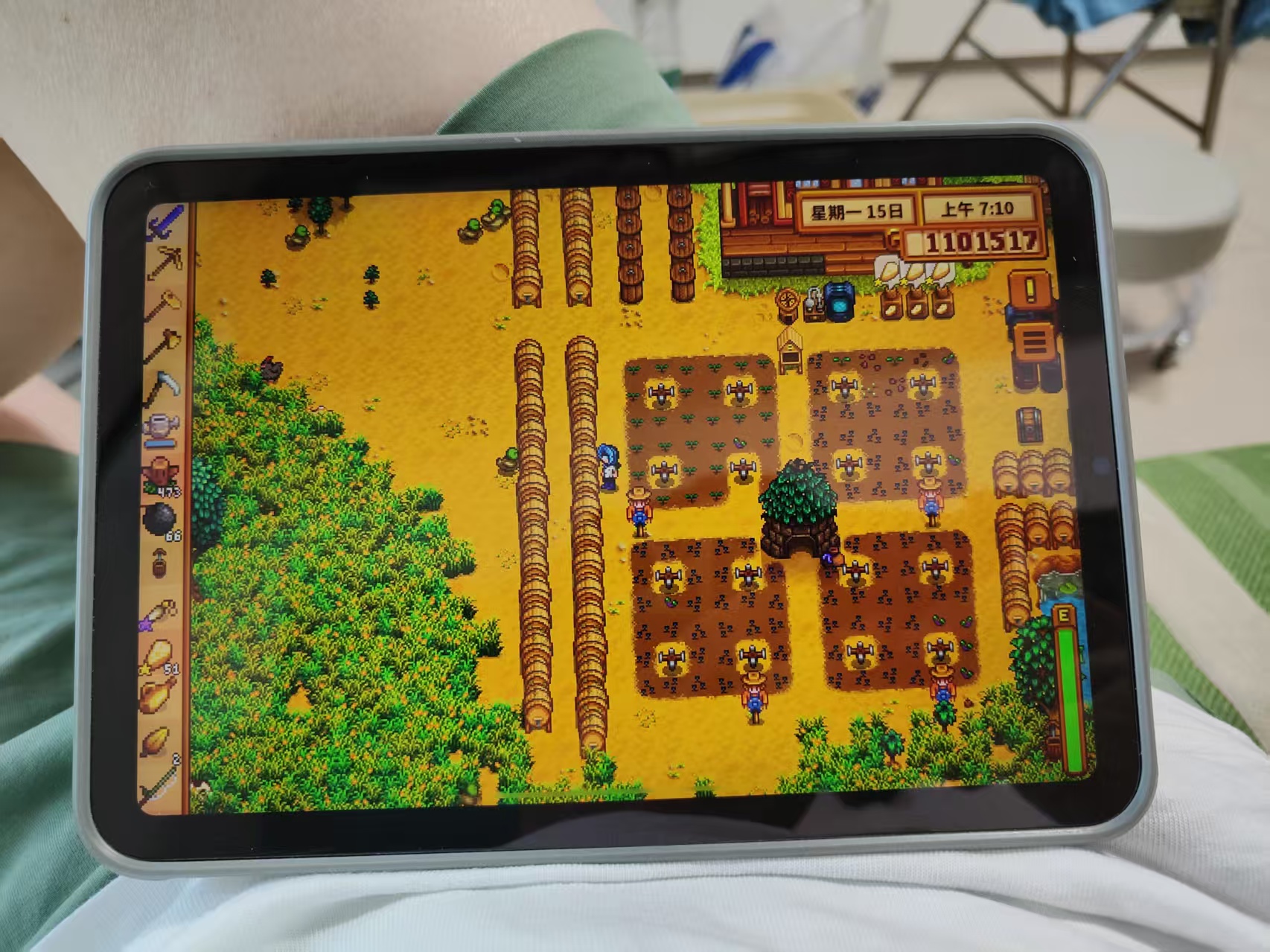
Xiaolei's longest gaming session on the iPad mini 7 was with Stardew Valley. The 8.3-inch screen size was ideal, allowing for precise operations like farming and fishing. Additionally, the tablet's screen could be mirrored to a TV, and a PS5 controller could be connected for gameplay.
(Image source: Leitech)
However, the gaming experience wasn't perfect. One drawback was the lack of a high-refresh-rate screen; 60Hz meant the game frame rate was locked at 60fps. Mainstream games like Honor of Kings, Peacekeeper Elite, and Genshin Impact couldn't provide smoother experiences at 90fps or 120fps.
Scenario 5: Battery Life - Decent but Not Significantly Better Than Smartphones
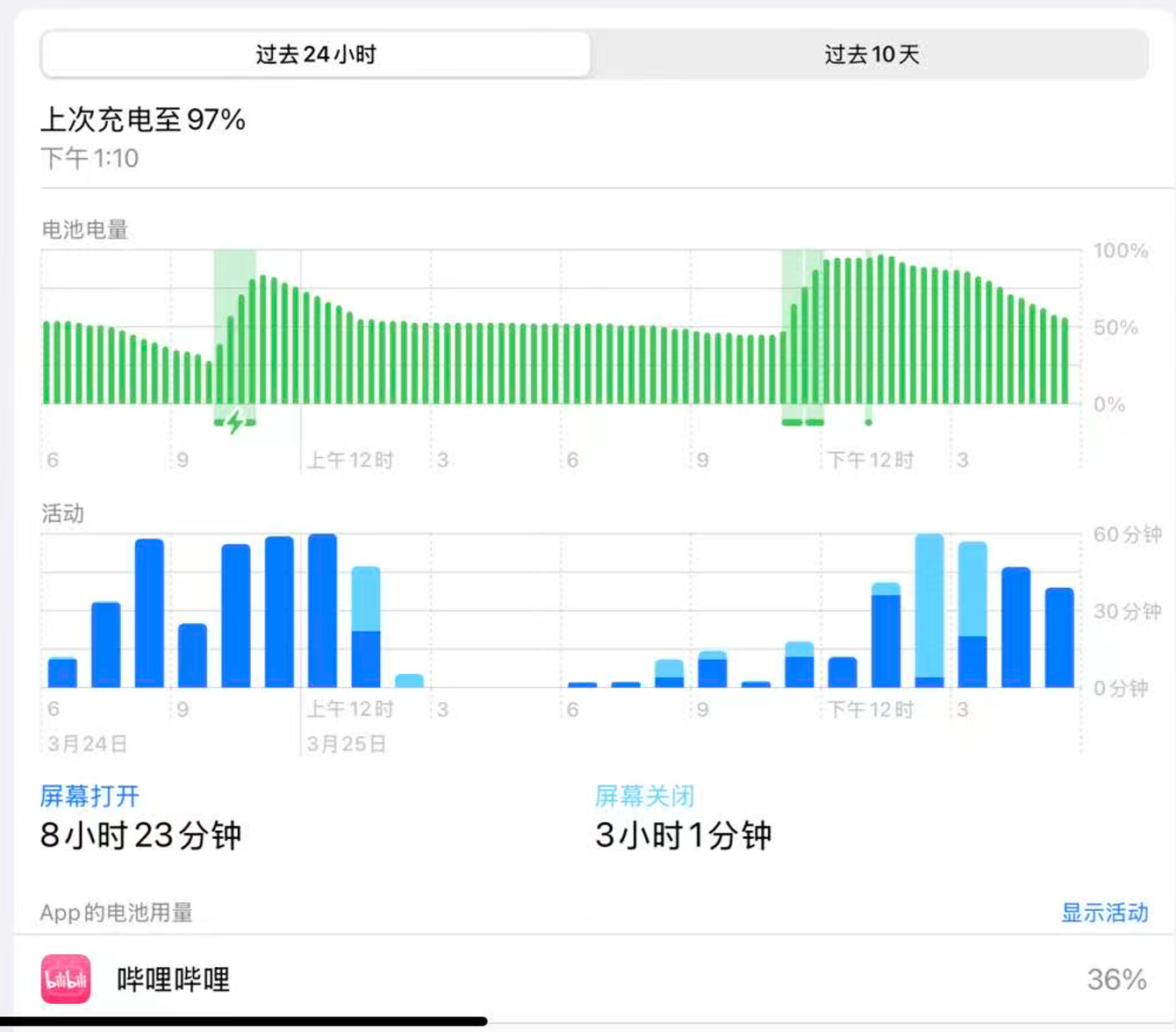
Contrary to expectations, the iPad mini 7 had a battery capacity of only 5078mAh, less than most smartphones. In Wi-Fi scenarios, the tablet's battery life was relatively long; after playing light games for an hour, battery consumption was approximately 15%. With 5G enabled, screen brightness set to half, and playing Bilibili 1080P online videos for an hour, battery consumption was around 14%. In extreme scenarios, with 5G and GPS enabled outdoors for real-time navigation at maximum screen brightness, battery life was just over 3 hours.
(Image source: Leitech)
Thus, if the iPad mini 7 cellular version was used in scenarios fully simulating smartphone usage, its battery life wasn't significantly better than that of ordinary smartphones. However, for low-power scenarios like reading books and playing videos, battery life remained decent.
In terms of charging, the iPad mini 7 cellular version supported a maximum power of 20W, with most daily charging sessions reaching only 18W. This fell short of most domestic smartphones and even lagged behind the iPhone 15 Pro with the same chip (maximum 27W). However, due to the smaller battery capacity, charging speed was still acceptable.
Scenario 6: Basic Camera Functionality
Cameras on iPads have always been just adequate. The iPad mini 7 featured a 12-megapixel single rear camera with a flash but lacked advanced features like optical image stabilization. In good daylight, shooting simple subjects yielded acceptable results. However, in complex scenes or dim lighting, the camera was essentially useless.

(Image source: Leitech)
For Xiaolei, the primary use of the iPad mini 7's camera was for scanning codes; it fell far short of mainstream smartphones. If imaging is a priority, using the iPad mini 7 as a smartphone replacement would be disappointing.
A Tablet Is a Tablet, and a Smartphone Is a Smartphone
After attempting to use the iPad mini 7 cellular version as a smartphone replacement for a day, Xiaolei ultimately abandoned the idea. Although smaller than most tablets, it was still larger and heavier than a smartphone, requiring a bag for portability. Additionally, Xiaolei had high hopes for its battery life, but its actual performance didn't surpass that of a smartphone. Moreover, its screen brightness was a drawback for outdoor use.
Of course, a more crucial issue was its inability to make phone calls. During the day of testing, Xiaolei didn't feel bothered by this aspect. However, for long-term use, most people, including Xiaolei, couldn't do without voice and text messaging. WeChat, FaceTime, and iMessage could only fulfill communication needs with acquaintances but not with strangers.
For example, a delivery person might call to arrange item pickup or delivery, as not every delivery can be conveniently left in a parcel locker. Moreover, many account registrations and logins heavily rely on SMS verification.
At the same time, Xiaolei noticed that brands like Xiaomi and Huawei now offer tablets with complete mobile communication capabilities, capable of connecting to 5G networks and making phone calls and sending text messages like smartphones. Calling these tablets 'oversized smartphones' wouldn't be entirely inaccurate.
However, for Xiaolei, these tablets usually targeted the mid-to-low-end market, lacking flagship configurations, and their overall experience still fell short of flagship smartphones. Nevertheless, they were quite practical for specific groups like students and the elderly.
Furthermore, after using the iPad mini 7 cellular version for a while, Xiaolei gradually felt that the UI and interaction interface of the hypothetical iPhone Fold would share many similarities with it. Traditionally, the App Store on iPads offered apps that were either adapted for iPads or directly used the iOS versions.
In other words, both Apple and Apple developers were relatively adept at switching between smartphone and tablet form factors for the same app. From this perspective, the iPhone Fold would have a natural advantage in terms of software ecosystem compared to Android foldable devices.
Theoretically, instead of using the iPad mini 7 cellular version as a smartphone replacement, directly purchasing the iPhone Fold in the future would undoubtedly be a better choice. However, Apple's first foldable smartphone was estimated to be priced at around 20,000 yuan, significantly higher than the iPad mini series, placing these two products in completely different market segments.
Personally, Xiaolei hoped that by leveraging everyone's attention on the iPhone Fold, the iPad mini could also gain access to more applications optimized for larger screens.
Tablet Apple iPad iPad mini 7 5G
Source: Leikeji
The images in this article are from: 123RF Royalty-Free Image Library
-
![]()
Smartphone Prices Surge Amid Manufacturer Anxiety
-
![]()
Orbbec Soars to Record Heights, Eyes Further Capital Influx of 980 Million!
-
![]()
Tongding Interconnect Sets Up Shop in Shaoguan with 800 Million Yuan in Registered Capital
-
![]()
Before Kimi’s A-Share Debut, Zhipu Aims to Secure More 'Strategic Funding'
-
![]()
Innovative Leap | Fiber-Pluggable 1470nm Laser Source: Revolutionizing Precision Laser Weeding
-
![]()
73-Day Rapid Listing: Where Does Unitree's Wang Xingxing's 'Sense of Urgency' Come From?
-
![]()
AI Project Mindverse, Backed by Meituan, Faces Data Inflation Allegations Over Its Macaron Product
-
![]()
3000-word In-Depth Analysis | What Makes Physical AI So Magnetic? It Has Captivated Masayoshi Son, Jensen Huang, and Justin Sun All at Once