Phone Storage Full Again? What You're Clearing Might Not Be What's Actually Taking Up Space
 11/09 2026
 527
When your phone pops up a "storage space insufficient" warning, the camera won't take photos, WeChat can't receive files, and every app update fails — what do you do?
Many people open apps like Clean Master, tap "one-tap clean," watch the prompt show 1.2GB cleared, and close it feeling satisfied. A few days later, the same warning pops up again. The problem isn't that you don't clean often enough — it's that much of what gets cleared either shouldn't have taken up that much space in the first place, or was never truly deleted.
01
One-tap cleaning doesn't remove
what you think it does
The core selling point of many third-party cleaning apps is how many GB they can clear.
But what they mainly clear is cache and temporary files — and once the system clears this data, the app simply regenerates it the next time it launches.
The more frequently you clean, the more frequently apps re-cache, creating an endless cycle — and the space is never truly freed up.
On top of that, some cleaning apps themselves take up storage.
They cache ad materials and push notification SDKs themselves, and even request excessive permissions. You hired a housekeeper to help you clean your room, but the housekeeper ends up piling a bunch of stuff in your home.
A 2026 guide from Tencent Cloud noted that there is only one kind of truly useful cleanup: uninstalling large apps, deleting large files, and clearing large media.
Clearing cache and thumbnails only treats the symptoms, not the root cause.
02
Deleted photos
may still be on your phone
Many people's first reaction when cleaning storage is to open the album and delete a batch of photos and videos.
But there's an easily overlooked detail: deleted photos and videos are kept in the Recently Deleted album for up to 30 days.
You think the space has been freed, but in reality those files are still sitting there, occupying the same amount of space as before deletion.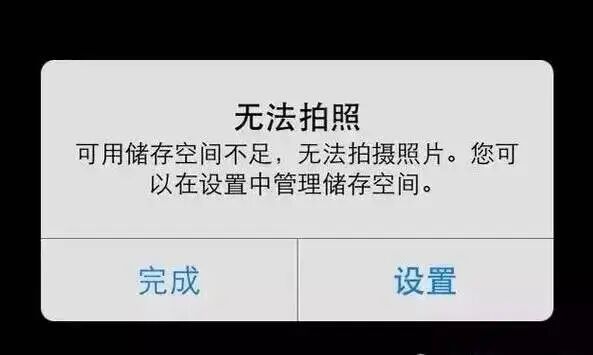 Image source: Internet
If you only delete without emptying Recently Deleted, you might as well not have done it at all.
Another major storage consumer is messaging apps, whose chat histories accumulate original images, videos, and files over time, taking up a very large portion of storage.
WeChat's built-in storage management can sort by chat and selectively clear large media, while text messages are retained.
03
The real big consumers
are often not the files you can see
A MakeUseOf contributor recorded her own experience: every time storage ran low, she would go to the album to delete photos and uninstall infrequently used apps. The phone would recover for a few days, then the same warning came back.
Later she discovered that app cache and data are the biggest storage consumers.
For apps like Spotify, TikTok, and Instagram, the installation package itself may only be a few hundred MB, but cache and stored data can balloon to several GB.
Every time you scroll through videos or listen to music, the data is temporarily saved so that it opens instantly next time. These caches won't pop up notifications to remind you, but they keep accumulating.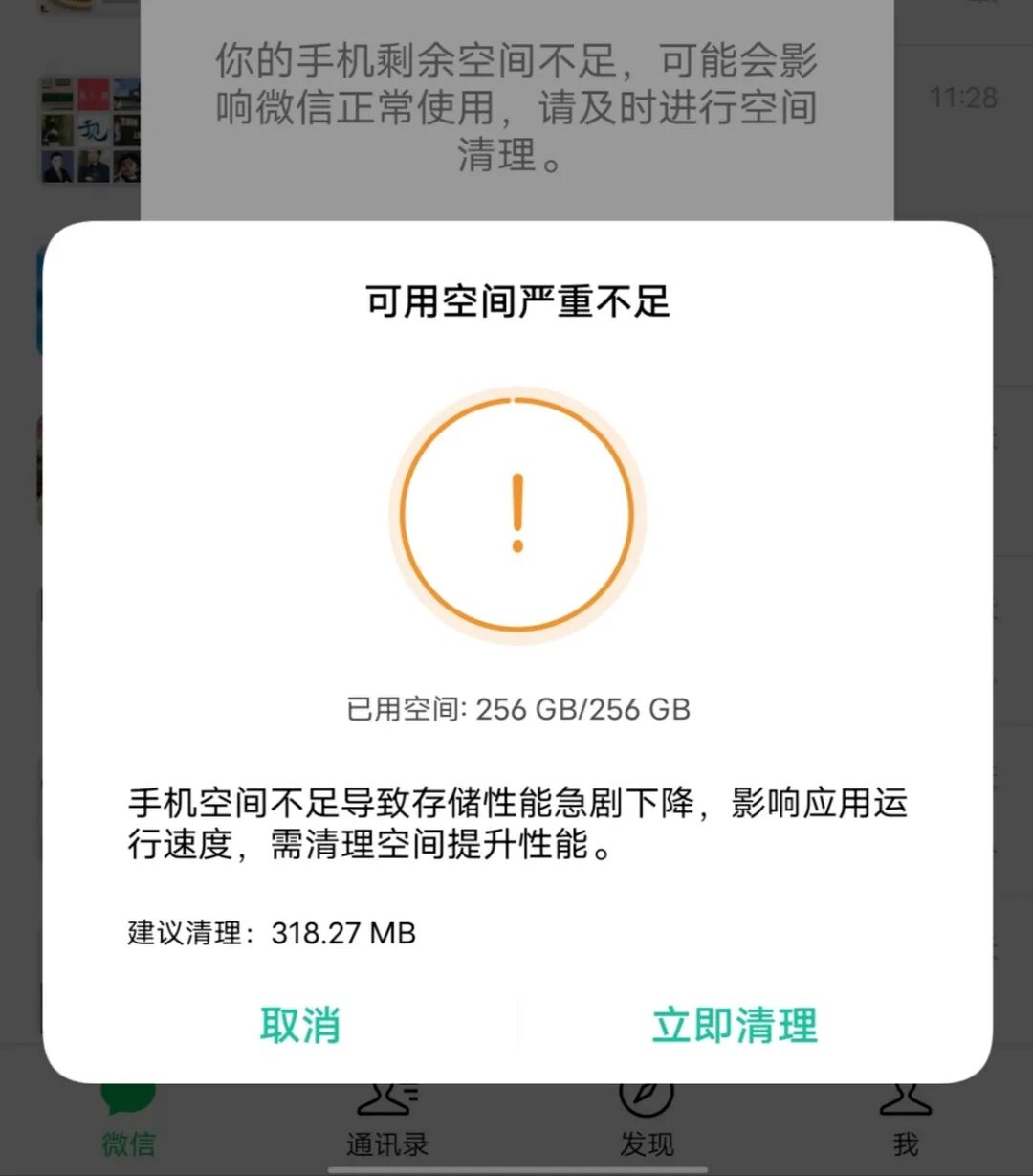 Image source: Internet
Another easily overlooked category is browser cache.
For browsers like Chrome, Edge, and Quark, cases of tens of GB of cache are not uncommon.
Every webpage you view and every image you load in the browser may be saved locally. Clearing browser cache won't delete bookmarks and passwords, but the space it can free up is often far more than deleting hundreds of photos.
04
How to handle it?
Instead of repeatedly tapping "one-tap clean," it's better to act based on how much space each item actually occupies.
Android's built-in storage analysis (Settings → Storage) can list the occupancy of apps, images, videos, audio, and documents by category, and tapping into apps allows sorting by size. The ones at the top are the real culprits.
Handle messaging apps first. WeChat's built-in storage management (Me → Settings → General → Storage) can sort by chats and group chats, and separately clear images and videos in the conversations taking up the most space, while text messages are retained. This step can usually free up 10 to 30GB, making it the single operation with the highest return. Image source: Internet
Then handle video apps. The cache of Douyin, Kuaishou, and Xiaohongshu can be safely cleared, and it's common for a single app to free up 5 to 15GB. Finally, handle photos and videos: first empty Recently Deleted, then sort by file size to find those large video files taking up space.
When it comes to storage cleanup, the truly effective actions are often not one-tap. It requires you to take a look at what's actually taking up space, rather than repeatedly cleaning things that will automatically grow back.
#PhoneMemory
-
![]()
Global Buzz: Is Huawei's Pangu LLM—the One Yu Chengdong Vowed Would "Become World No. 1"—About to Get a Refresh?
-
![]()
Alibaba Leads Investment in Its Former Intern: UniPat AI, the "Examiner" for Large Models, Completes $300 Million Financing
-
![]()
Phone Storage Full Again? What You're Clearing Might Not Be What's Actually Taking Up Space
-
![]()
In-Depth Discussion of "Byte Time"
-
![]()
One-Person Company Goes Viral: AI Agents as Employees—Has the Era of Solo Entrepreneurship Truly Arrived?
-
Report | 2026 China AI Listed Enterprise Development Insights
-
Trends | Gartner's Top 10 Technology Trends for 2027: Three Phases Clarify Enterprise Technology Priorities
-
Two Governance Paradigms: The U.S. Ban on Artificial Superintelligence Act and the Wuzhen Summit