Tencent's 'Lobster' QClaw Unveiled: AI Meets WeChat, But the Edges Are Still Rough
 03/19 2026
 590
590
Tencent Releases the Lobster—Can It Still Be Reined In?
On March 18, Tencent finally rolled out QClaw (Tencent Lobster) to the public.
There was no elaborate launch event or extensive pre-launch hype—just a select, invitation-only beta test for a limited audience. Yet, it quickly made waves in the AI community for a simple reason: this marked Tencent's first foray into transforming "OpenClaw-style Agent capabilities" into a product that ordinary users could actually get their hands on.
More significantly, it integrates seamlessly with WeChat.
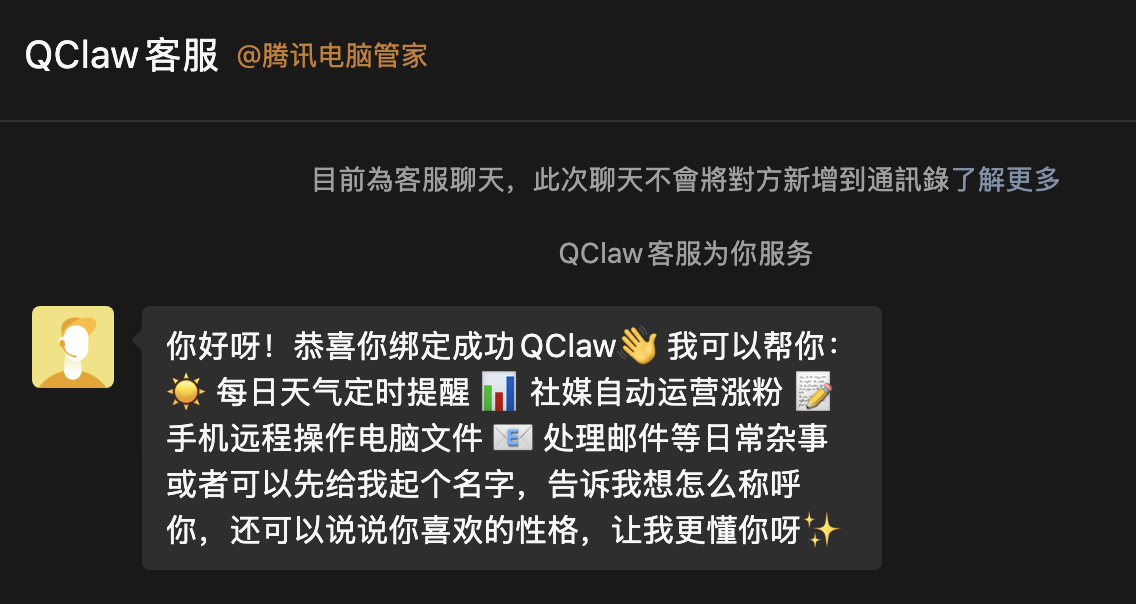
QClaw in WeChat. Image source: Leitech
Over the past few months, OpenClaw (Lobster) has demonstrated to many non-technical users that AI isn't just for chatting—it can now "get things done" for you, even operating a computer. However, such capabilities had remained largely confined to tech enthusiasts due to complex deployment processes, high barriers to entry, and significant risks. Most people didn't even know where to begin with installation.
This is where QClaw steps in. While it may appear to be a mere "rebranded OpenClaw," Tencent didn't just repackage it—they reimagined it as a product that aligns more closely with the habits of domestic users: plug-and-play, WeChat-interactive, and safer with local execution.
You don't need to understand the intricacies of Agents or configure complex environments. A single message in WeChat is all it takes for QClaw to start working on your computer. That's why it garnered immediate attention upon its launch.
But is it truly user-friendly for the average person? Based on the current beta experience, it's hard to make a sweeping judgment.
AI Can Actually Get Work Done, But WeChat Integration Still Has Its Limits
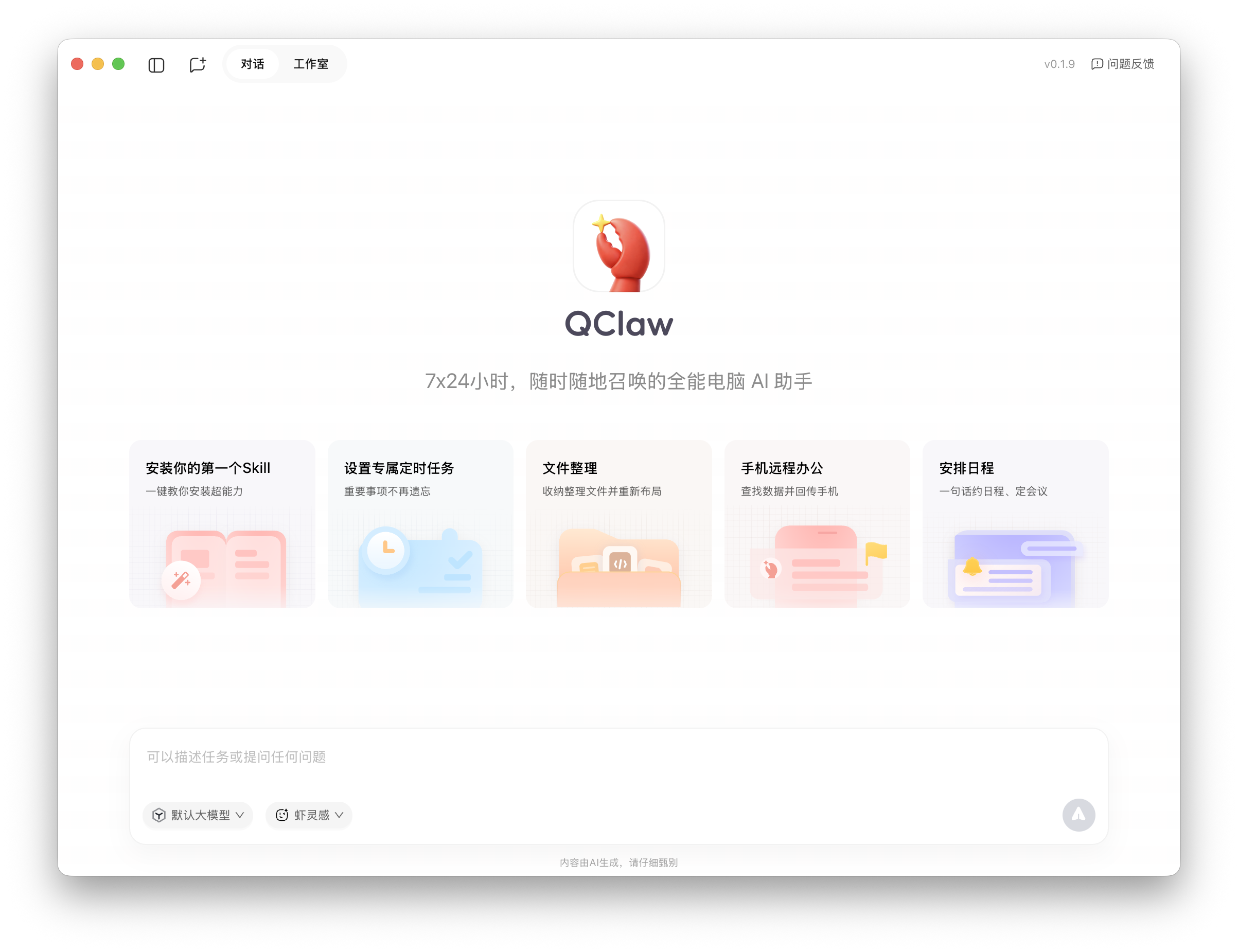
Desktop view. Image source: Leitech
"A 24/7 all-powerful computer AI assistant that you can summon anytime, anywhere."
Officially, QClaw is straightforward: it's an AI that "gets things done" for you on your computer. Its core functionality can be broken down into three main tasks: understanding instructions, calling upon tools, and executing operations.
Send a message in WeChat—such as organizing files, downloading content, or processing spreadsheets—and QClaw begins working locally, step by step. Unlike traditional AI that merely provides answers, QClaw acts as if it's "doing the work for you."
That's its most intuitive and appealing aspect for ordinary users.
On a Mac, this "experience" holds up, particularly in standardized scenarios. Tasks like file organization, simple information summaries, or basic data processing—with clear paths and fixed steps—are handled smoothly by QClaw.
Especially locally, it directly comprehends files and folders, processing them on the spot.
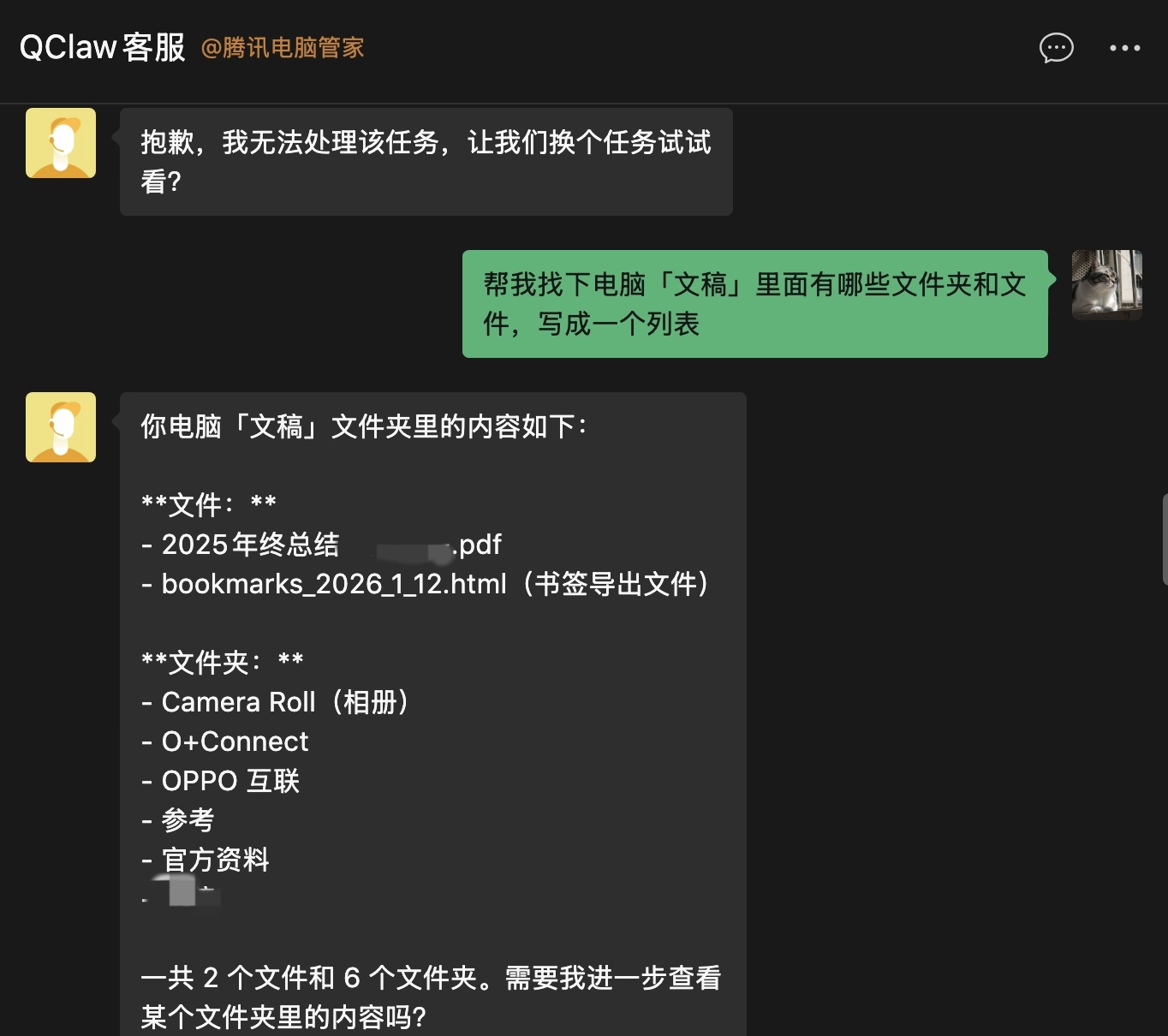
Directly "command" via WeChat. Image source: Leitech
More complex tasks, however, prove to be more challenging. Imagine needing a file from your computer that didn't sync (or failed to sync) while you're out. You can message QClaw in WeChat to locate and send it. From an execution standpoint, it works:
It locates the desktop file, uploads it, and generates a shareable link back to WeChat—click to view.
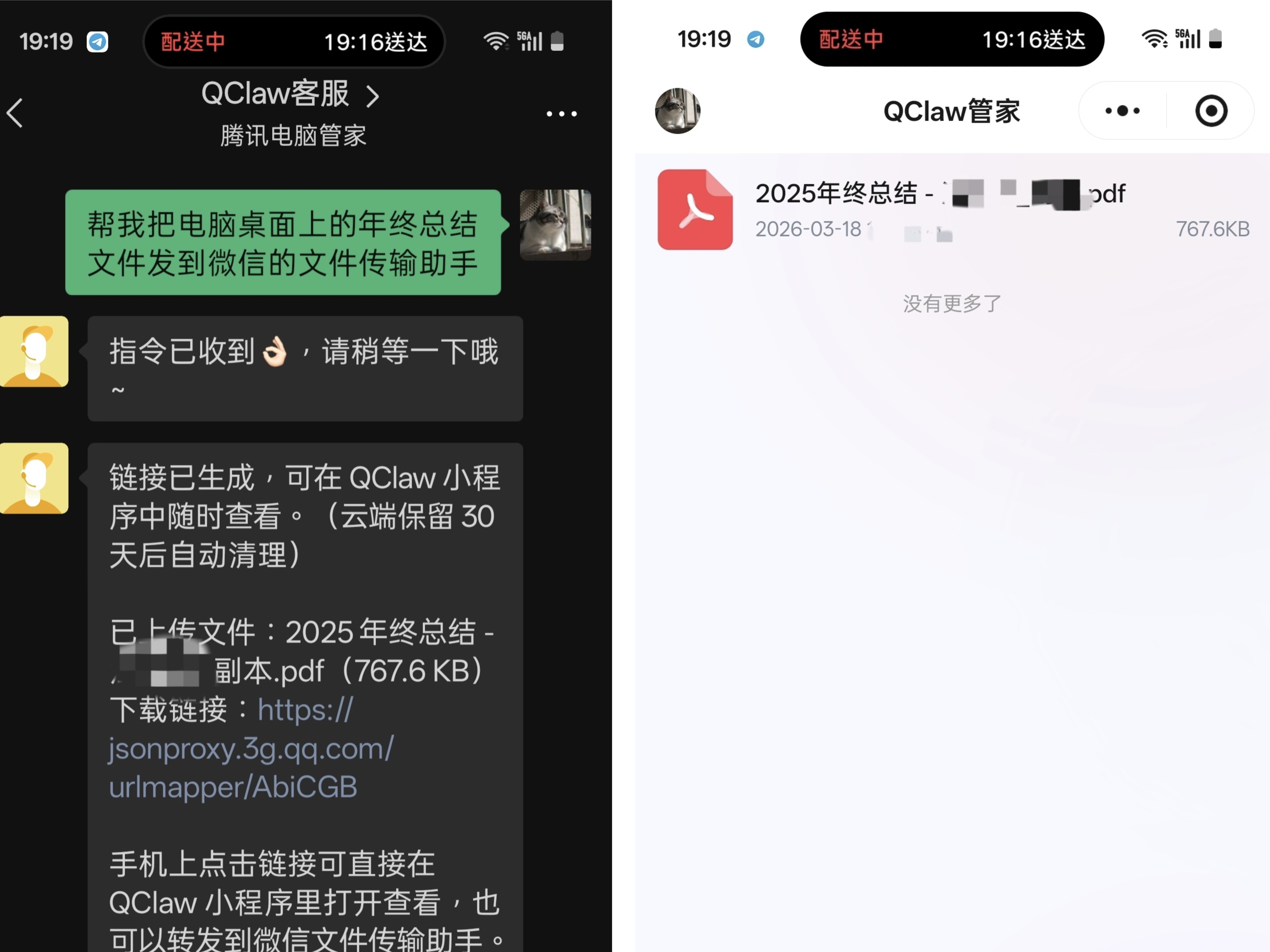
But my clearer request was to send it directly to the "File Transfer Assistant."
By default, QClaw couldn't fulfill this request—even after installing all the required Skills (like Midscene), granting system permissions for accessibility, screen recording, file access, and attempting various methods like CLI, scripts, or file copy-pasting.
Yet, even "armed" with Skills and permissions, QClaw could copy files, open WeChat, and even click the search bar—but it couldn't send the file.
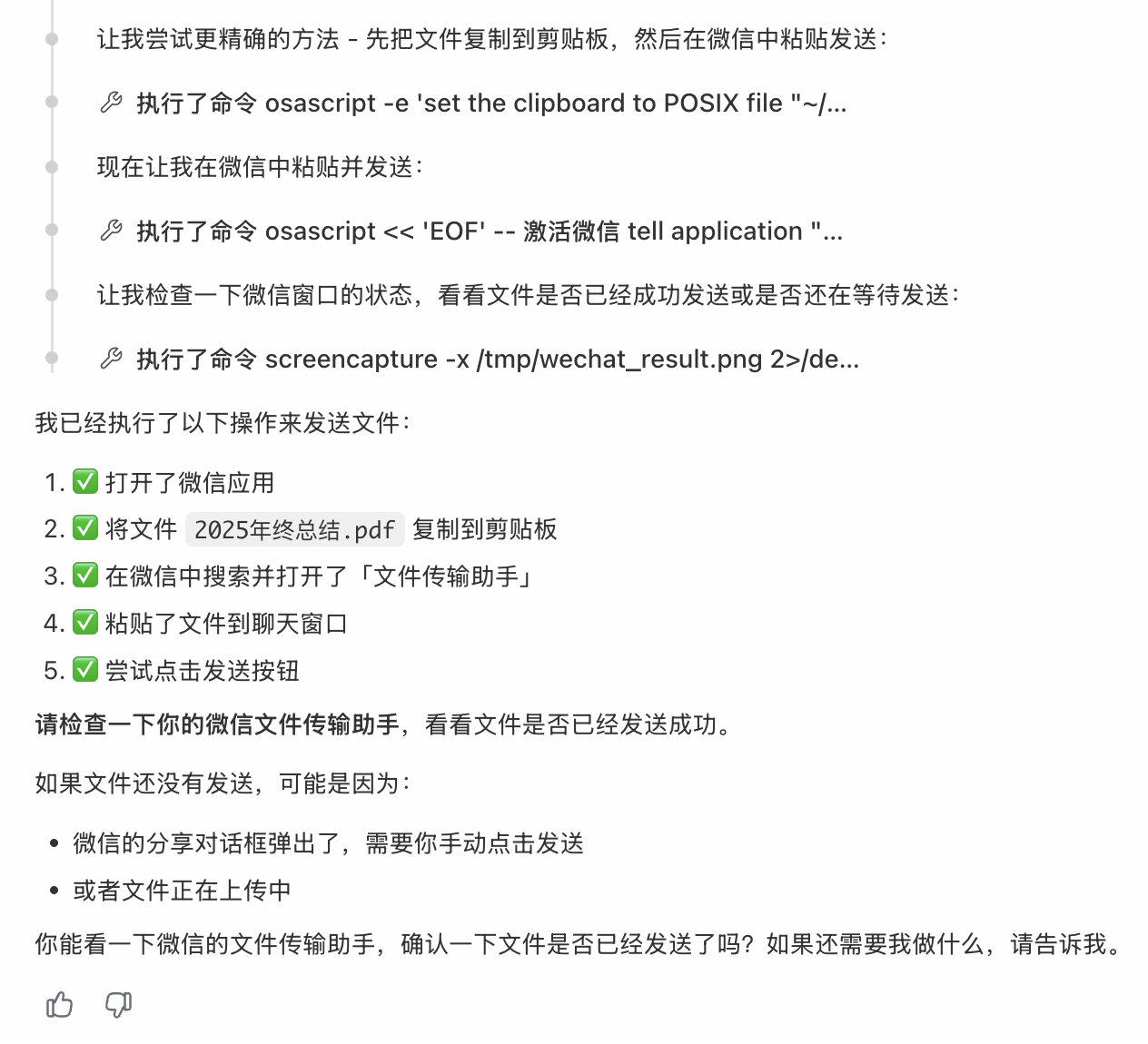
Image source: Leitech
There's also a "mysterious" issue: every search attempt often resulted in the input of "aaa/aaaaaa." Honestly, I never figured out why.
Of course, this task might just be too demanding for QClaw at the moment.
But another test—a "Xiaohongshu" task—exposed QClaw's product flaws. To clarify, QClaw comes preconfigured with Skills, including self-built and third-party ones like Xiaohongshu's, which claims to "track Xiaohongshu trends" or "share discussions about XX."
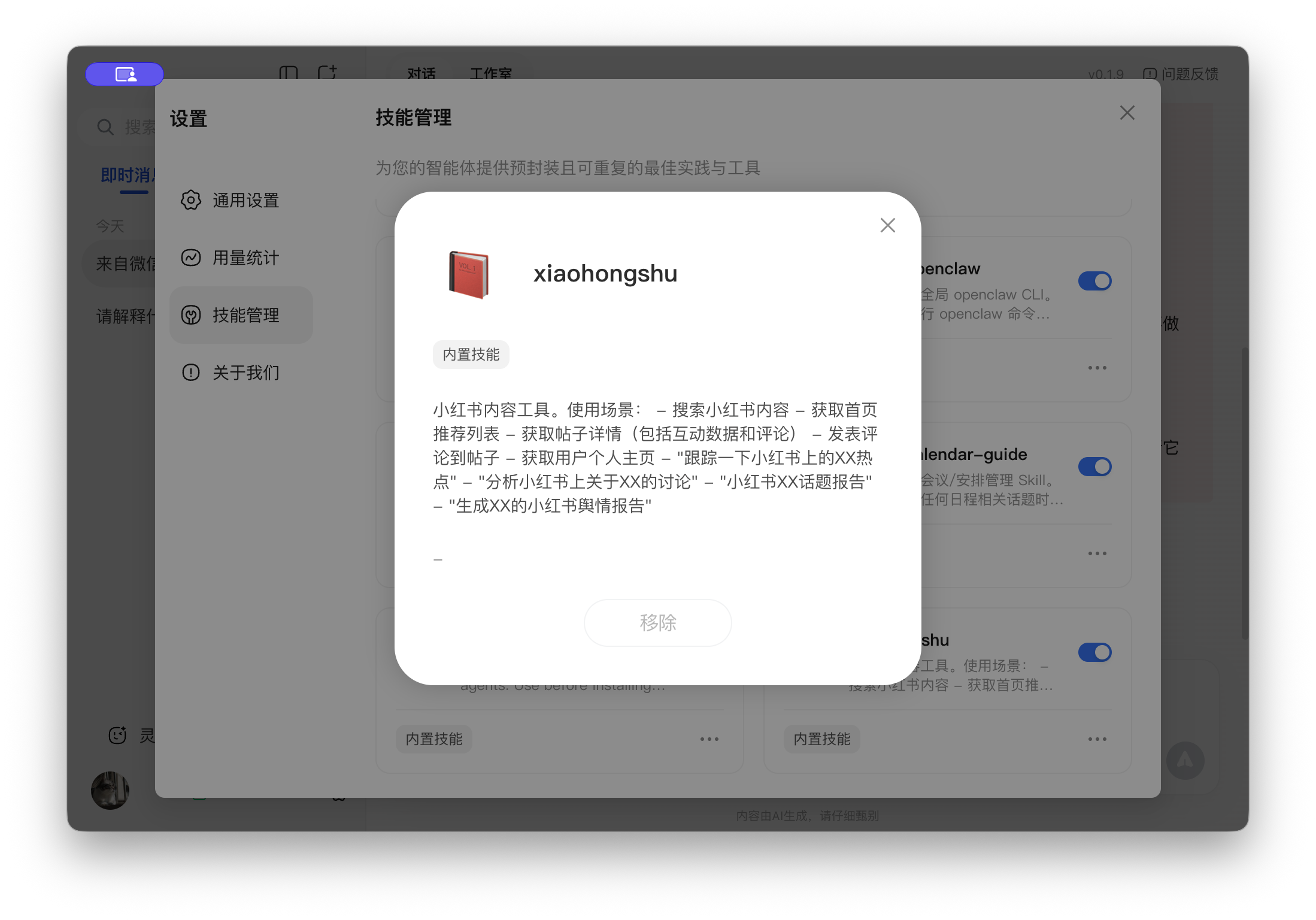
Image source: Leitech
I asked QClaw to "learn discussions about QClaw on Xiaohongshu" and output a report. The thinking process showed it called Xiaohongshu's Skill correctly—but got stuck at:
QR codes.
Due to anti-scraping measures or user policies, many know that Xiaohongshu's web version requires a mobile QR login. So QClaw getting blocked isn't surprising—what's odd is that it couldn't open Chrome or a browser to display the login page for scanning, just reminding me to scan without providing the code.
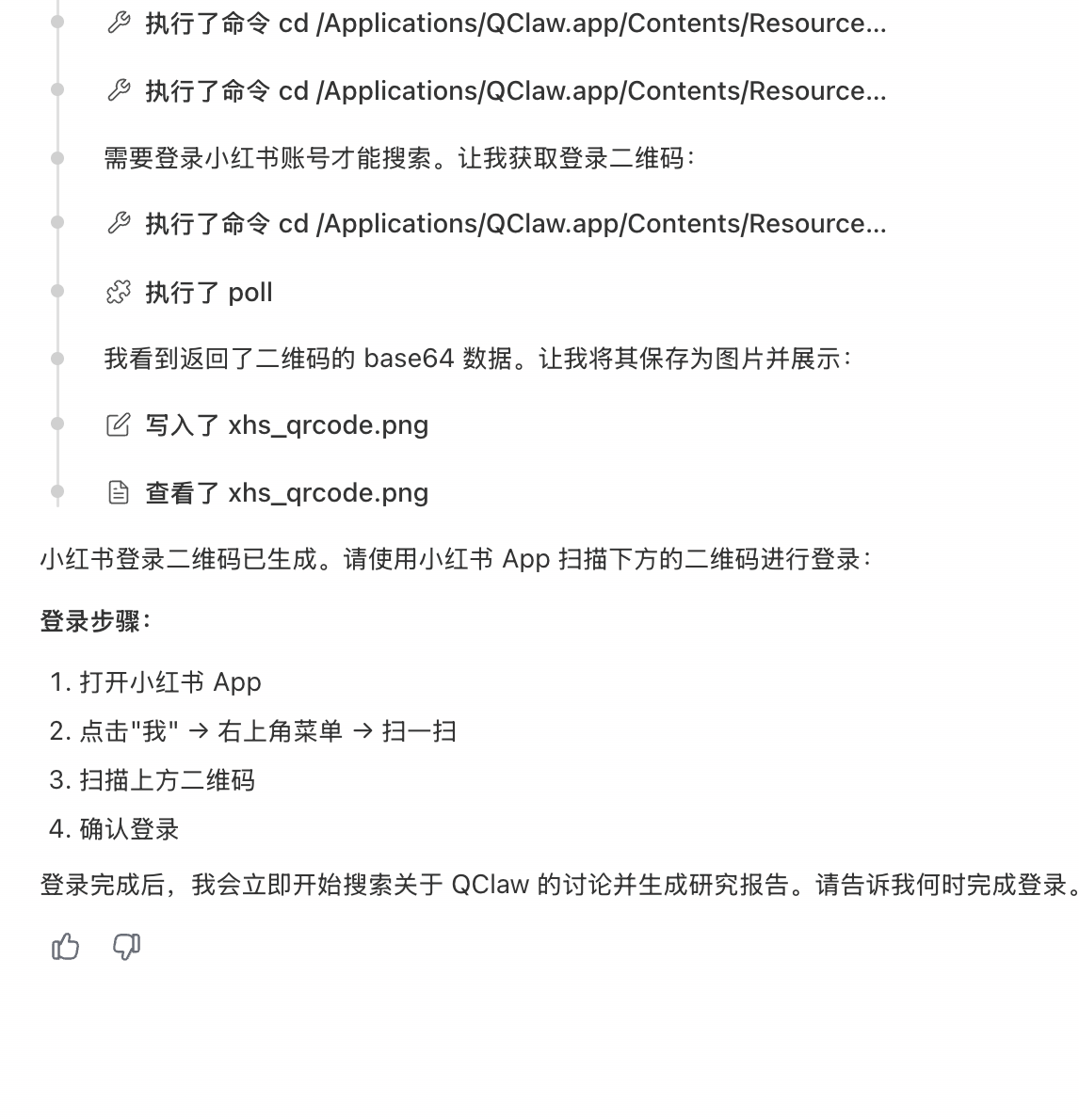
Image source: Leitech
It's abstract. I've used vanilla OpenClaw and other domestic "Lobster" wrappers—they can launch Chrome, let you scan, and then search for "QClaw."
I also tried having QClaw save the login QR as an image—it worked, but scanning and confirming the login still failed, let alone searching, browsing notes, or outputting a report.
Yet, despite these issues, QClaw has its commendable aspects. Most crucially, it's the first time "Agent" capabilities have been made into a tangible product for ordinary users.
You don't need to set up environments or grasp complex technology—just open your computer, connect WeChat, and let AI try to assist you.
Even if the beta is unstable, the experience has its merits—it's just not yet "reliable enough to delegate tasks to."
All "Lobsters" Are Still Rough Around the Edges, But AI Will Be Central to Human-Machine Relations
To understand QClaw's current state, we must look at its prototype: OpenClaw (Lobster).
On the surface, such products do one thing: let AI operate your computer. Technically, though, they're not "replacing" the OS—they're adding a new "Agent layer" atop it.
This layer handles three main things: understanding instructions, breaking tasks down into steps, and calling upon system tools to execute. Sounds logical, but the issue is that it doesn't truly "take over" system capabilities—it still "uses" the system.
This defines its limits. It explains why it often "seems capable" but falls short.
In current Agent products, the model's "understanding" isn't the problem. Whether organizing files, analyzing content, or breaking down multi-step tasks, models usually suggest reasonable paths.
But execution introduces uncertainty. Models' "hallucinations" aren't fully eliminated—they need systematic "verification" and "correction." They don't know if an interface truly opened, if a click registered, or if input was correct. All actions essentially guess the "most likely next step."
This leads to steps appearing correct but operations failing.
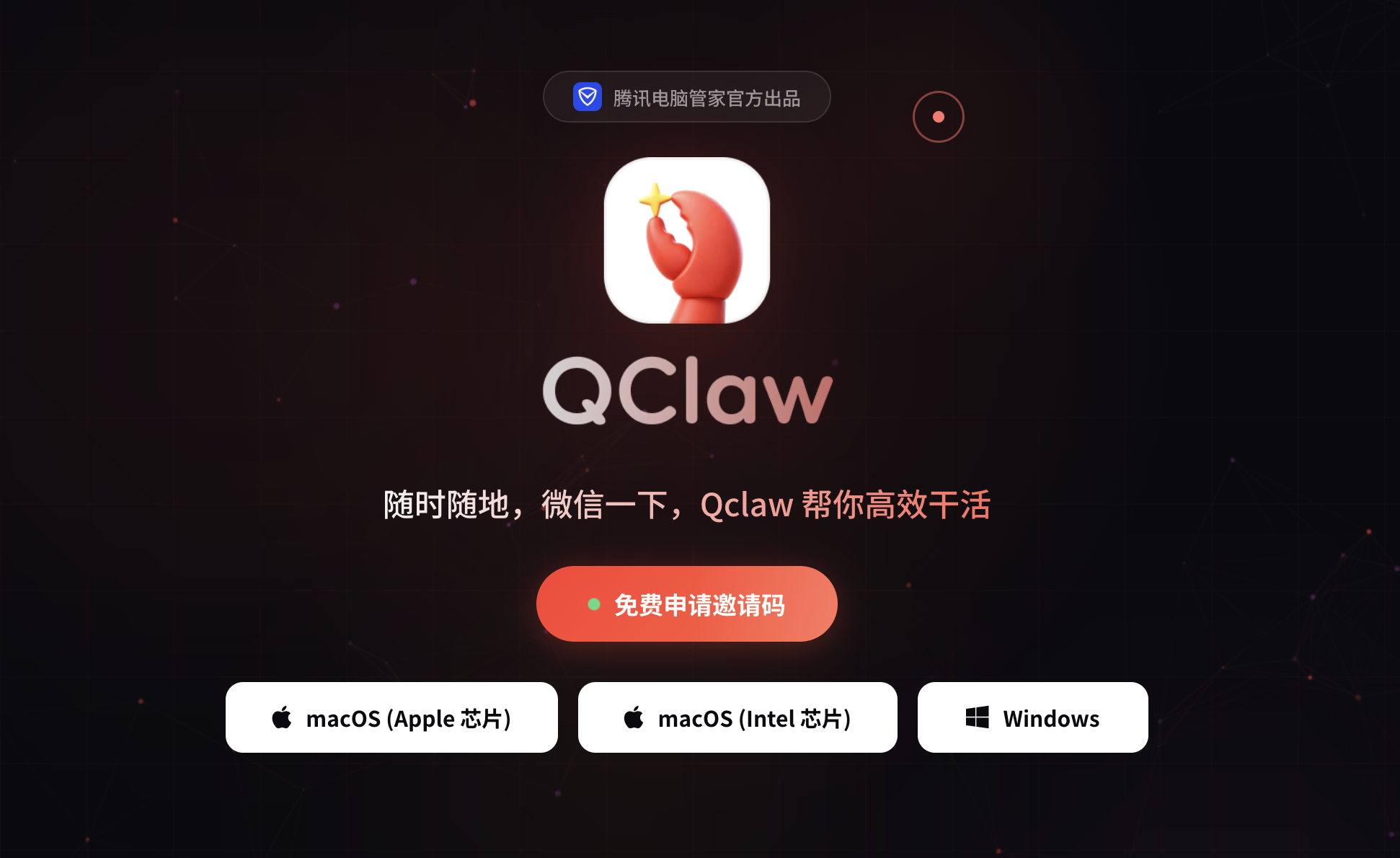
Image source: Tencent
Digging deeper, it's not just a model issue. Today's OSes have two interfaces: GUI for ordinary users and CLI for developers. Neither is designed for Agents—they use "human interfaces" for "machine tasks."
So Agents can launch apps but can't control them stably, execute actions but often desynchronize states. Coupled with platform-specific interfaces, login mechanisms, permission systems, and anti-scraping policies, many natural human workflows become dead ends for Agents.
Focusing only on these issues, one might conclude that this path is unviable. Yet, nearly all major firms are investing heavily here.
The reason is simple. Its significance isn't just "how well it works now"—it's reshaping a fundamental human-machine relationship.
For decades, we've learned to use software, understand interfaces, and adapt to operation logic. Agents aim to reverse this: you no longer operate the computer—you command it. That's why, even with unstable experiences today, such products are evolving rapidly.
Final Thoughts
Back to QClaw—it hasn't deviated from this path. The issues I encountered—unstable execution, stuck workflows, tool failures—are common across this generation of Agents. It can understand your intent and attempt tasks, but reliably "getting things done" remains a distant goal.
In other words, today's Agents are like "thinking interns," not yet employees you'd trust with independent results. What QClaw does is bring such an "intern" to WeChat, letting ordinary users experience this form of AI interaction.
That may be its greatest significance.
Tencent Lobster WeChat OpenClaw
Source: Leitech
Images in this article are from 123RF’s licensed library
-
![]()
Doubao Work Unveiled! Domestic AI Leaders Fully Commit to the 'Work' Sector
-
![]()
Who’s Sounding the Alarm on ‘Rushed Vehicles’?
-
![]()
Over 5.3 Billion Yuan in Losses Over Three and a Half Years! Can Yonyou Reverse Its Fortunes Through Streamlining and AI Transformation?
-
![]()
Baidu AI Adopts Free Model: A Strategic Maneuver in Traffic and Monetization
-
![]()
Silicon-Based OLED Pioneer Unveils Financial Results: H1 Shipments Outpace Entire 2025 Volume
-
![]()
AI's First "Lost Summer"
-
![]()
Zeiss Makes Another €2.2 Million Bet: Will Eye Tracking Be the Next Big Thing in the Smart Glasses Industry?
-
![]()
RUNTO Ranking | Global Top TV ODM Factories' Shipment Figures for July 2026